From Newsgroup: comp.graphics.apps.gimp
On Wed, 19 Oct 2022 23:20:59 -0400, bad sector <
forgetski@invalid.org>
wrote:
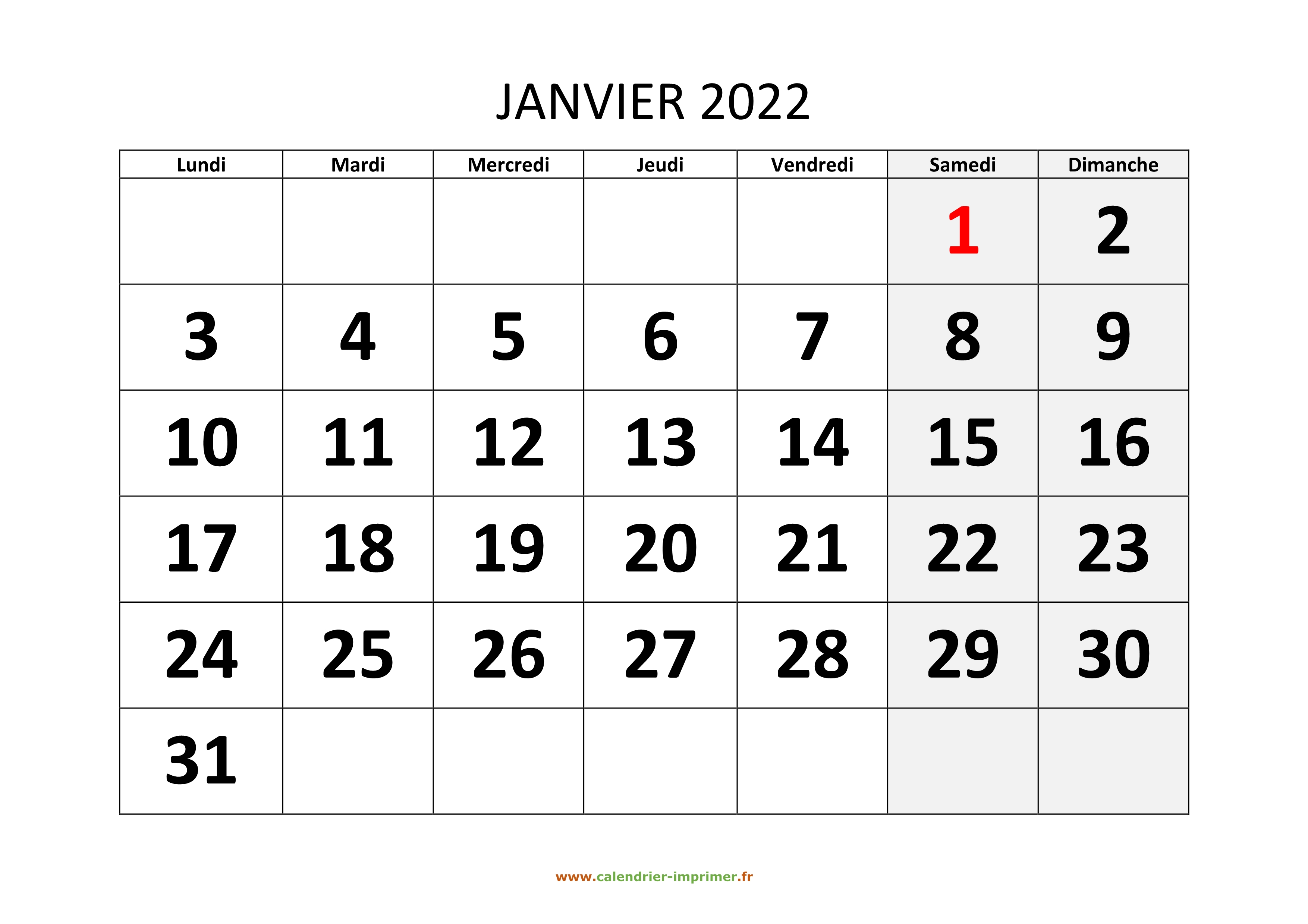
I didn't use fonts as such, the image from which I copied and pasted had
the same font sizes on all calendar pages (months).
here: >https://www.calendrier-imprimer.fr/calendrier/2022/calendrier-mensuel-2022-modele-01.jpg
1
Make a canvas several times its size
2
Holding shift copy the date numbers with the fuzzy selector
3
Paste the lot into the new blank canvas
4
Save the new image
5
Reload it
6
Repeat 2 & 3, note numbers NOT same size
7
Save out again
8
Reload, now number ARE same size
The difference is not big BUT definitely noticeable
as in my imgurs.
yes, it's noticeable.
interesting problem :D
step 1
My Gimp don't like the size of that picture ( about 3500 by 2500 ).
I resized it.
step 2
A never ending number selecting.
I did it sneakier. Added transparency to the layer.
A fuzzy color select on white and grey.
Erasing the remaining lines is not much work.
Select all and copy.
Paste it, saved it, reloaded it.
Repeated my step 2.
Pasted it between the calender numbers ( fits nice between them and
make it very easy to compare ). No difference.
Okay, let's try it more difficult and select the numbers one by one.
Copied them in between and aside.
The end result : still no difference.
You have a difference, but if it's Gimp related?
Even with a 10000 by 7500 template no difference.
I'm using the lastest stable Gimp version.
--- Synchronet 3.21b-Linux NewsLink 1.2