Hi,
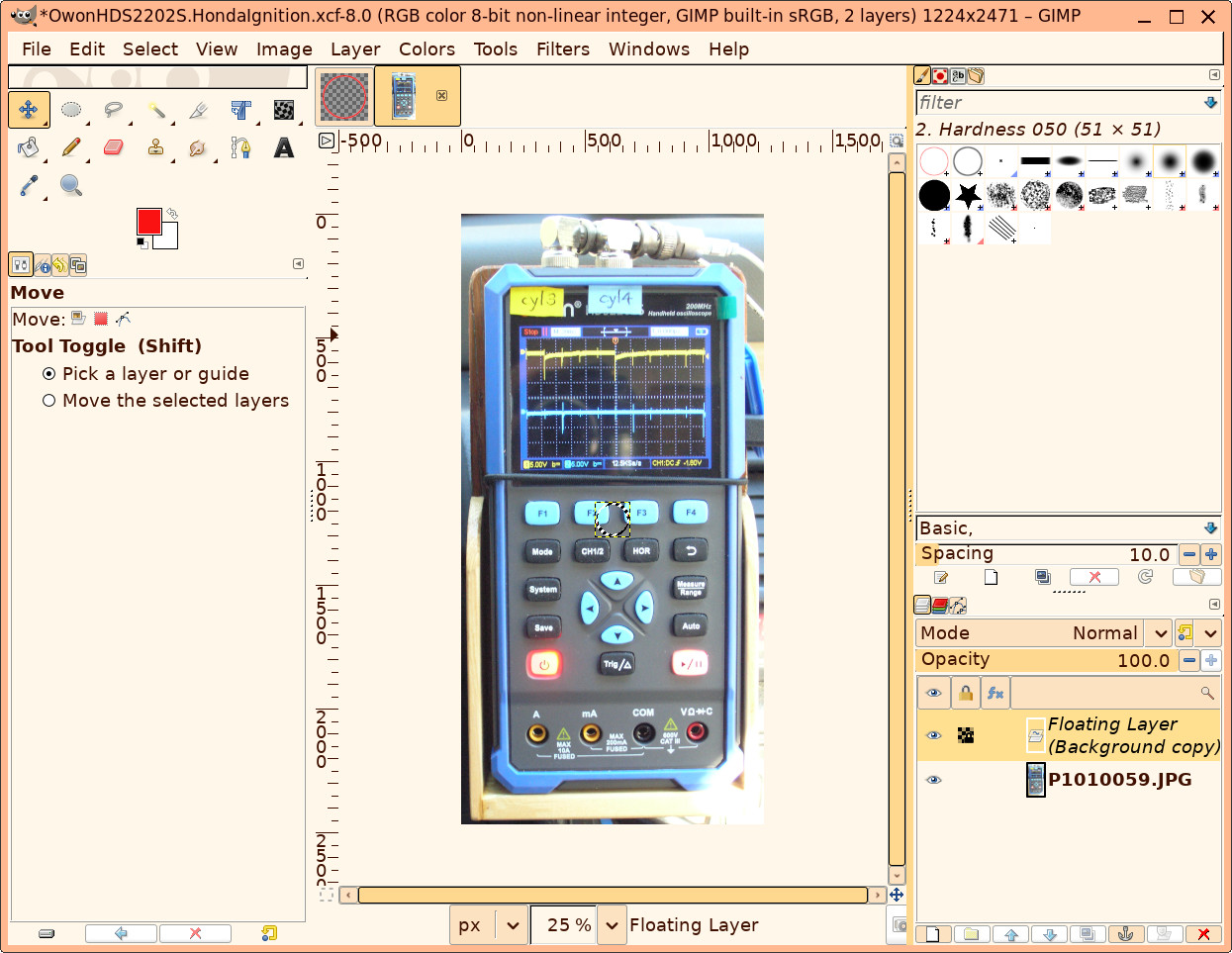
GIMP 3.0.4 here. A screenshot is at https://easthope.ca/GimpAnnotateImage.jpg .
The left image is a red circle on a transparent background.
The right image is where I want to place the circle.
Edit > Copy of the circle puts it in the clipboard; correct?
Then, in the picture of the oscilloscope, "Edit > Paste as Floating Data" leaves
the outline visible in the middle; not the red circle.
How can I paste the circle floating to allow dragging to the intended location?
I tried this on GIMP 3.2.4 and it just works. It seems to me in your screenshot that the red circle wasn't copied. Did you try 'Select
All', followed by 'Copy' in the red circle picture?
If you want to do this non-destructively (i.e. change your mind about
the location or shape of the overlay later) and in a
resolution-independent fashion, might I suggest using Inkscape <https://inkscape.org/> instead?
Hello Pieter,
Thanks for replying.
In article <m2a4ui9g3v.fsf@coreopsis.home>, Pieter van Oostrum <pieter-l@vanoostrum.org> wrote:
I tried this on GIMP 3.2.4 and it just works. It seems to me in your
screenshot that the red circle wasn't copied. Did you try 'Select
All', followed by 'Copy' in the red circle picture?
Yes, I must have missed Select all. Had another go and the result is here. https://en.wikipedia.org/wiki/Ignition_system#Electronic_systems
The illustration is helpful but would be better with the red circles thicker.
You can set the thickness of the stroke before stroking.
| Sysop: | Amessyroom |
|---|---|
| Location: | Fayetteville, NC |
| Users: | 74 |
| Nodes: | 6 (0 / 6) |
| Uptime: | 120:01:49 |
| Calls: | 1,194 |
| Files: | 1,352 |
| Messages: | 289,902 |