• Whats the %=C:% environment variable used for ?

    From R.Wieser@address@is.invalid to alt.comp.os.windows-xp,alt.windows7.general,alt.comp.os.windows-10 on Fri Feb 6 11:12:42 2026
    From Newsgroup: alt.windows7.general

    Hello all,

    A couple of days ago I was looking at the envronment variables, and noticed
    a variable named "=C:", containing the current path of that drive.

    Can anyone tell me what it was/is used for ?


    Remarks: Using the command-prompt it doesn't appear in the "set" list, and
    it can be read, but not written.

    Regards,
    Rudy Wieser


    --- Synchronet 3.21b-Linux NewsLink 1.2
  • From Mr. Man-wai Chang@toylet.toylet@gmail.com to alt.comp.os.windows-xp,alt.windows7.general,alt.comp.os.windows-10,alt.msdos.batch.nt on Fri Feb 6 21:06:25 2026
    From Newsgroup: alt.windows7.general

    On 2/6/2026 6:12 PM, R.Wieser wrote:
    Hello all,

    A couple of days ago I was looking at the envronment variables, and noticed
    a variable named "=C:", containing the current path of that drive.

    Can anyone tell me what it was/is used for ?

    Remarks: Using the command-prompt it doesn't appear in the "set" list, and
    it can be read, but not written.
    How about a screenshot?? Could it be caused by insufficient length of
    the PATH string? Or maybe the Command Prompt window's width?

    dos batch "=C:" - Google Search https://www.google.com/search?q=dos+batch+%22%3DC%3A%22
    --
    @~@ Simplicity is Beauty! Remain silent! Drink, Blink, Stretch!
    / v \ May the Force and farces be with you! Live long and prosper!!
    /( _ )\ https://sites.google.com/site/changmw/
    ^ ^ https://github.com/changmw/changmw
    --- Synchronet 3.21b-Linux NewsLink 1.2
  • From R.Wieser@address@is.invalid to alt.comp.os.windows-xp,alt.windows7.general,alt.comp.os.windows-10,alt.msdos.batch.nt on Fri Feb 6 15:47:15 2026
    From Newsgroup: alt.windows7.general

    Mr. Man-wai Chang,

    How about a screenshot??

    Of what ?

    Could it be caused by insufficient length of the PATH string? Or maybe the Command Prompt window's width?

    Neither. Its an envronment variables name. As mentioned, using the command-prompt you can read its contents (the current path for that drive), but not set it.

    dos batch "=C:" - Google Search https://www.google.com/search?q=dos+batch+%22%3DC%3A%22

    Google refuses work with browsers that do not have Javascript. The same search using DDG gave me zero results. Thats why I posted the question
    here.

    Regards,
    Rudy Wieser


    --- Synchronet 3.21b-Linux NewsLink 1.2
  • From Frank Slootweg@this@ddress.is.invalid to alt.comp.os.windows-xp,alt.windows7.general,alt.comp.os.windows-10 on Fri Feb 6 15:26:06 2026
    From Newsgroup: alt.windows7.general

    R.Wieser <address@is.invalid> wrote:
    Hello all,

    A couple of days ago I was looking at the envronment variables, and noticed a variable named "=C:", containing the current path of that drive.

    Current working directory, to be precise.

    Can anyone tell me what it was/is used for ?

    Google, which you apparently don't want to use, says (amongst others):

    "The %=C:% environment variable in Windows is a hidden, special
    system-wide variable that stores the current working directory for the
    C: drive.

    It is part of a legacy mechanism (dating back to MS-DOS) that allows
    the command processor (cmd.exe) to track separate current directories
    for every drive letter, rather than having one single global current
    directory for the whole system.

    Here are the key details about %=C:%:

    * Function: It keeps track of where you are in the C: drive if you are
    currently working on a different drive (e.g., if you are in D:\Data
    but type cd C:\Users, %=C:% will be updated to C:\Users).

    * Automatic Management: This variable is managed automatically by
    cmd.exe when you use the cd (chdir) command."

    Remarks: Using the command-prompt it doesn't appear in the "set" list, and it can be read, but not written.

    Google confirm that behaviour.

    It also gives a comparison with other variables. such ad %CD%
    %SystemDrive% and mentions the somwhat obvious:

    "If you change drives, other variables like %=D:%, %=E:%, etc., are
    created for those respective drives.".
    --- Synchronet 3.21b-Linux NewsLink 1.2
  • From Mr. Man-wai Chang@toylet.toylet@gmail.com to alt.comp.os.windows-xp,alt.windows7.general,alt.comp.os.windows-10,alt.msdos.batch.nt on Sat Feb 7 00:31:06 2026
    From Newsgroup: alt.windows7.general

    On 2/6/2026 10:47 PM, R.Wieser wrote:
    Mr. Man-wai Chang,

    How about a screenshot??

    Of what ?

    Could it be caused by insufficient length of the PATH string? Or maybe the >> Command Prompt window's width?

    Neither. Its an envronment variables name. As mentioned, using the command-prompt you can read its contents (the current path for that drive), but not set it.
    A screen-shot of the Command Prompt window that showed what you just
    said might help.
    --
    @~@ Simplicity is Beauty! Remain silent! Drink, Blink, Stretch!
    / v \ May the Force and farces be with you! Live long and prosper!!
    /( _ )\ https://sites.google.com/site/changmw/
    ^ ^ https://github.com/changmw/changmw
    --- Synchronet 3.21b-Linux NewsLink 1.2
  • From Maria Sophia@mariasophia@comprehension.com to alt.comp.os.windows-xp,alt.windows7.general,alt.comp.os.windows-10 on Fri Feb 6 11:35:52 2026
    From Newsgroup: alt.windows7.general

    Frank Slootweg wrote:
    R.Wieser <address@is.invalid> wrote:
    Hello all,

    A couple of days ago I was looking at the envronment variables, and noticed >> a variable named "=C:", containing the current path of that drive.

    Current working directory, to be precise.

    Can anyone tell me what it was/is used for ?

    Google, which you apparently don't want to use, says (amongst others):

    "The %=C:% environment variable in Windows is a hidden, special
    system-wide variable that stores the current working directory for the
    C: drive.

    It is part of a legacy mechanism (dating back to MS-DOS) that allows
    the command processor (cmd.exe) to track separate current directories
    for every drive letter, rather than having one single global current
    directory for the whole system.

    Here are the key details about %=C:%:

    * Function: It keeps track of where you are in the C: drive if you are
    currently working on a different drive (e.g., if you are in D:\Data
    but type cd C:\Users, %=C:% will be updated to C:\Users).

    * Automatic Management: This variable is managed automatically by
    cmd.exe when you use the cd (chdir) command."

    Remarks: Using the command-prompt it doesn't appear in the "set" list, and >> it can be read, but not written.

    Google confirm that behaviour.

    It also gives a comparison with other variables. such ad %CD%
    %SystemDrive% and mentions the somwhat obvious:

    "If you change drives, other variables like %=D:%, %=E:%, etc., are
    created for those respective drives.".

    Windows contains secrets normally kept hidden under the floorboards.

    Following on what Frank said, it turns out Windows creates "drive-specific current directory" environment variables which look funnily like this.
    =C:
    =D:
    =Z:
    Each one stores the current working directory (cwd) for that drive.

    Try this:
    C:\> cd \Windows
    C:\Windows> D:
    D:\> cd \Games
    D:\Games> C:
    C:\Windows>
    Notice how switching back to C: returns you to C:\Windows automatically?
    That's because Windows stored it in that =X: stuff.

    They're maintained internally by the OS, not by the shell so you can't read them (echo %=C:%) or see them with set or even write to them.

    Try these proof-of-concept examples:
    C:\> cd \Windows
    C:\Windows> echo %=C:%
    C:\Windows

    Switch drives:
    C:\Windows> D:
    D:\> echo %=C:%
    C:\Windows
    It stays the same until you change directories on C:.

    It's mysterious. Much like the %CD% vs. %__CD__% split
    %__CD__% === an internal variable used by cmd.exe to track the raw current directory path including UNC paths (\\server\share), extended path lengths (\\?\C:\very\long\path), temp dirs, exact casing, setc. It's the true
    working directory as the command interpreter sees it.

    You might not notice the difference unless you're in a UNC or long path:
    C:\> echo %__CD__%
    Just like the =C: variables, it's protected.

    Don't even get me started on the bizarre CONIN$/CONOUT$ handles!
    --
    Windows contains secrets normally kept hidden under the floorboards.
    --- Synchronet 3.21b-Linux NewsLink 1.2
  • From R.Wieser@address@is.invalid to alt.comp.os.windows-xp,alt.windows7.general,alt.comp.os.windows-10,alt.msdos.batch.nt on Fri Feb 6 18:02:59 2026
    From Newsgroup: alt.windows7.general

    Mr. Man-wai Chang,

    How about a screenshot??

    Of what ?
    ...
    A screen-shot of the Command Prompt window that showed what you
    just said might help.

    What about you typing it in your puters console and see for yourself ?
    Just type "echo %=C:%" and see what the result is. No screenshot needed.

    Regards,
    Rudy Wieser


    --- Synchronet 3.21b-Linux NewsLink 1.2
  • From R.Wieser@address@is.invalid to alt.comp.os.windows-xp,alt.windows7.general,alt.comp.os.windows-10,alt.msdos.batch.nt on Fri Feb 6 18:05:40 2026
    From Newsgroup: alt.windows7.general

    Damn, I forgot :

    I tried the brave and bing search-engines too, but they also had dno clue
    what I was talking about.

    Regards,
    Rudy Wieser


    --- Synchronet 3.21b-Linux NewsLink 1.2
  • From gazelle@gazelle@shell.xmission.com (Kenny McCormack) to alt.comp.os.windows-xp,alt.windows7.general,alt.comp.os.windows-10,alt.msdos.batch.nt on Fri Feb 6 17:50:55 2026
    From Newsgroup: alt.windows7.general

    In article <10m56t4$bu2j$1@dont-email.me>, R.Wieser <address@is.invalid> wrote: >Mr. Man-wai Chang,

    How about a screenshot??

    Of what ?
    ...
    A screen-shot of the Command Prompt window that showed what you
    just said might help.

    What about you typing it in your puters console and see for yourself ?
    Just type "echo %=C:%" and see what the result is. No screenshot needed.

    First, to answer the thread question: My understanding is that this *is*
    how processes in DOS/Windows keep track of the current directory for each drive. Note that the idea of multiple "current directories" - i.e., the concept of each drive having its own current directory - is kind of unique
    to DOS/Windows. Unix doesn't have it and, in fact, neither does the real underlying (NT) OS in modern Windows. It is something that is emulated in userland software so that modern Windows works similarly to original DOS.

    So, the point is that there are "hidden" environment variables for each
    drive that has a current directory other than \. For example, on the
    machine I just tested this on, every drive other than C: had its current directory at the root, so the only env var I could find was the "=C:\foo\bar\whatever".

    That said, I am genuinely (non-rhetorically) curious as to how you
    discovered this in the first place, given that these variables are not displayed by the DOS "set" command. You'd have needed to use some other
    tool to scan the environment table. For that reason, a screenshot would actually have been useful. Or, you could just tell us how you found it...

    Two other notes:

    1) I first became aware of this from a post made (a long time ago) in
    the tech support forum of some other Windows product, by the devs of
    that product, who are people who know what they are talking about.
    That other product (tool) does, indeed, have the ability to access
    these variables.

    2) (Speaking of screenshots) Given that this is Usenet, and Usenet is
    (supposed to be) a text-only medium, how would one go about posting a
    screenshot, should one desire to do so? Is there any established
    protocol?
    --
    Indeed, most .NET developers couldn't pass CS101 at a third-rate
    community college.
    - F. Russell -
    --- Synchronet 3.21b-Linux NewsLink 1.2
  • From R.Wieser@address@is.invalid to alt.comp.os.windows-xp,alt.windows7.general,alt.comp.os.windows-10 on Fri Feb 6 19:16:15 2026
    From Newsgroup: alt.windows7.general

    Frank,

    Current working directory, to be precise.

    Nope, thats something else.

    Google, which you apparently don't want to use,

    Some years ago Google stopped wanting to work with my non-javascript
    browser. Who's choice was that ?

    says (amongst others):

    "The %=C:% environment variable in Windows is a hidden, special
    system-wide variable that stores the current working directory
    for the C: drive.

    Its certainly not system-wide.

    that allows the command processor (cmd.exe)

    Ah, just for the command-processor processes. That makes more sense.

    Here are the key details about %=C:%:
    [snip]

    That explains nothing about its usage.

    "If you change drives, other variables like %=D:%, %=E:%, etc.,
    are created for those respective drives.".

    In the command-processor process the change is made in (iow: nothing "system wide" about it). Yeah, I noticed.


    Bottom line :
    The question still stands : What is the "=C:" environment variable used for
    ?

    Regards,
    Rudy Wieser


    --- Synchronet 3.21b-Linux NewsLink 1.2
  • From Herbert Kleebauer@klee@unibwm.de to alt.comp.os.windows-xp,alt.windows7.general,alt.comp.os.windows-10,alt.msdos.batch.nt on Fri Feb 6 19:16:56 2026
    From Newsgroup: alt.windows7.general

    On 2/6/2026 6:50 PM, Kenny McCormack wrote:

    What about you typing it in your puters console and see for yourself ? >>Just type "echo %=C:%" and see what the result is. No screenshot needed.

    First, to answer the thread question: My understanding is that this *is*
    how processes in DOS/Windows keep track of the current directory for each drive.

    some more information about "Undocumented Dynamic variables":

    https://ss64.com/nt/syntax-variables.html


    and especially for the %=C:% :

    https://devblogs.microsoft.com/oldnewthing/20100506-00/?p=14133
    --- Synchronet 3.21b-Linux NewsLink 1.2
  • From Maria Sophia@mariasophia@comprehension.com to alt.comp.os.windows-xp,alt.windows7.general,alt.comp.os.windows-10,alt.msdos.batch.nt on Fri Feb 6 14:06:49 2026
    From Newsgroup: alt.windows7.general

    Kenny McCormack wrote:
    2) (Speaking of screenshots) Given that this is Usenet, and Usenet is
    (supposed to be) a text-only medium, how would one go about posting a
    screenshot, should one desire to do so? Is there any established
    protocol?

    I answered Rudy's question in gory detail in another post in this thread.
    Newsgroups: alt.comp.os.windows-xp,alt.windows7.general,alt.comp.os.windows-10
    Subject: Re: Whats the %=C:% environment variable used for ?
    Date: Fri, 6 Feb 2026 11:35:52 -0500
    Message-ID: <10m5599$1le7$1@nnrp.usenet.blueworldhosting.com>

    But for Kenny's question above, most of us use some form of free
    image-hosting web site, where the one I use most asks for no login.

    Here's a random set of examples that I've posted to this very newsgroup.
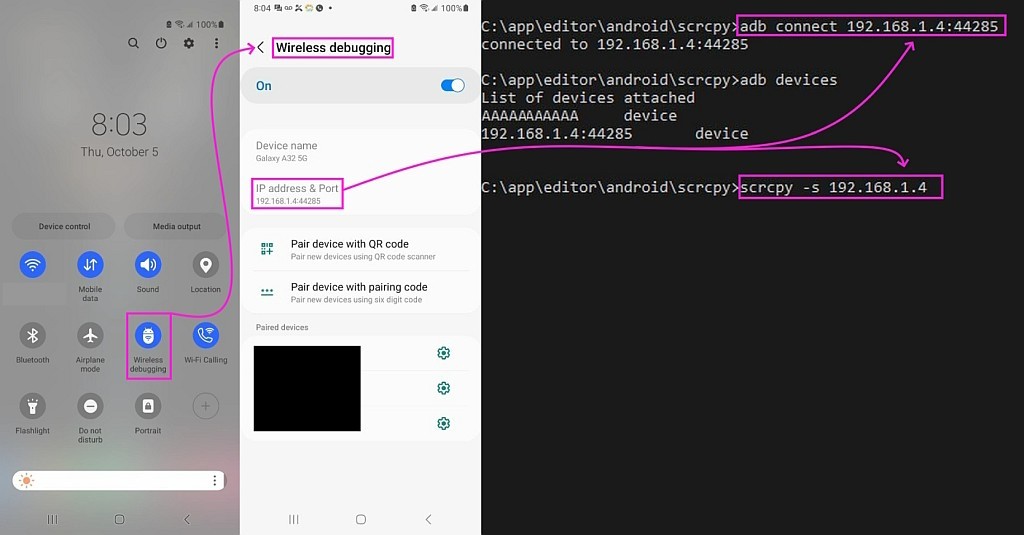
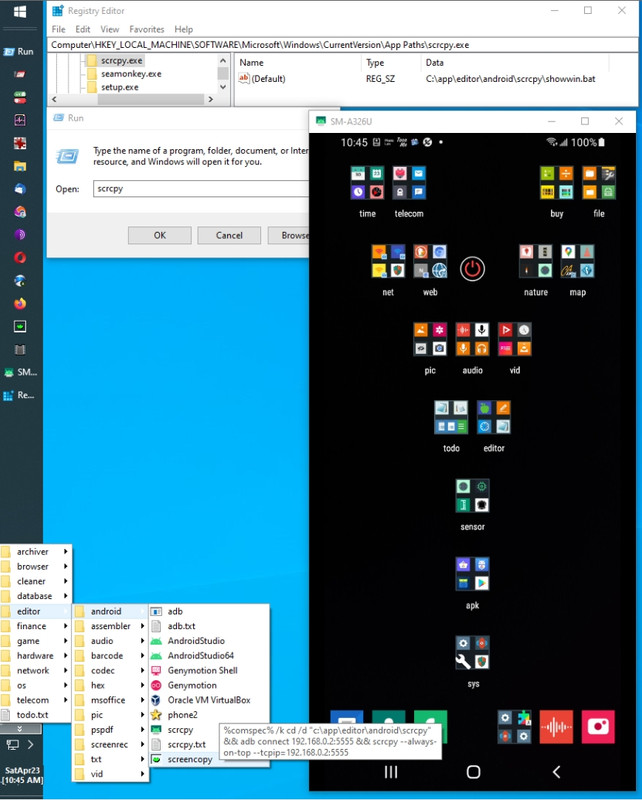
    <https://i.postimg.cc/KvTvtMS8/scrcpy31.jpg> HNS stop/start solution
    <https://i.postimg.cc/WbpYsfqg/scrcpy30.jpg> Windows Update is the problem
    <https://i.postimg.cc/Hs1ZZ5H0/scrcpy29.jpg> net stop hns & net start hns
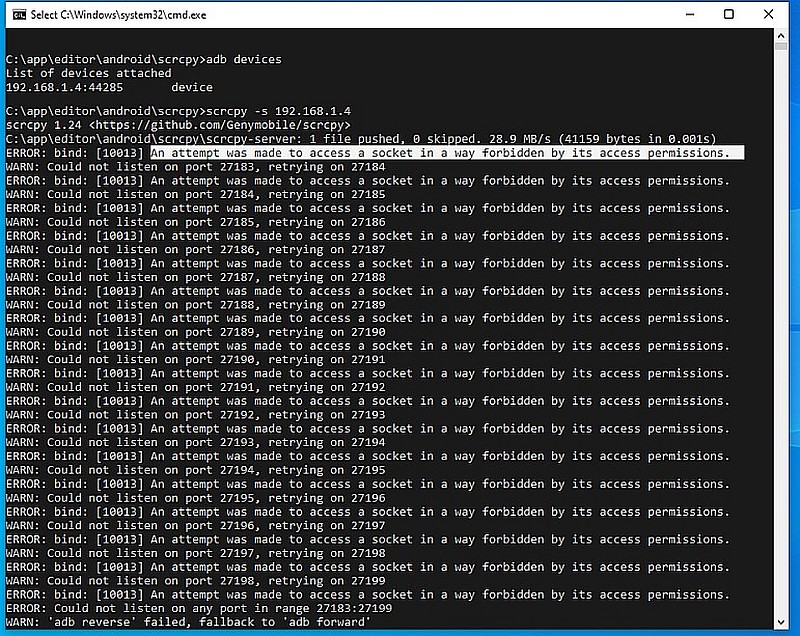
    <https://i.postimg.cc/pdyTjwnT/scrcpy28.jpg> Android assigns random ports
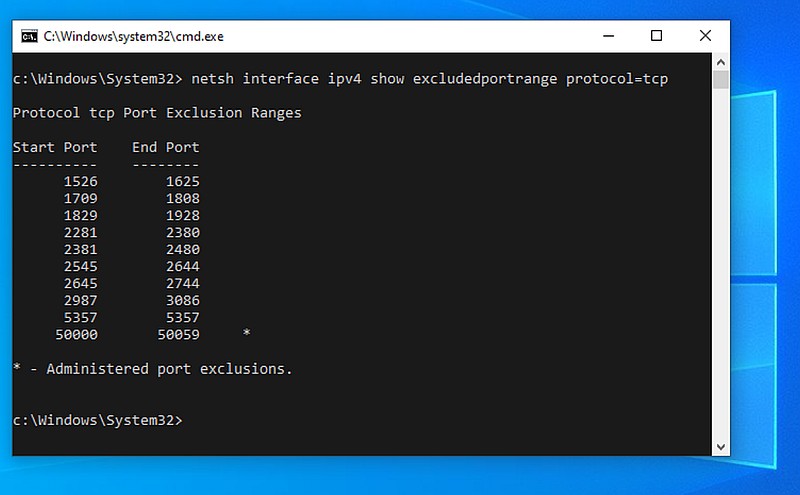
    <https://i.postimg.cc/25XrGW9R/scrcpy27.jpg> Nobody can find locked ports
    <https://i.postimg.cc/Dz1rcpDX/scrcpy26.jpg> Windows Update locks ports
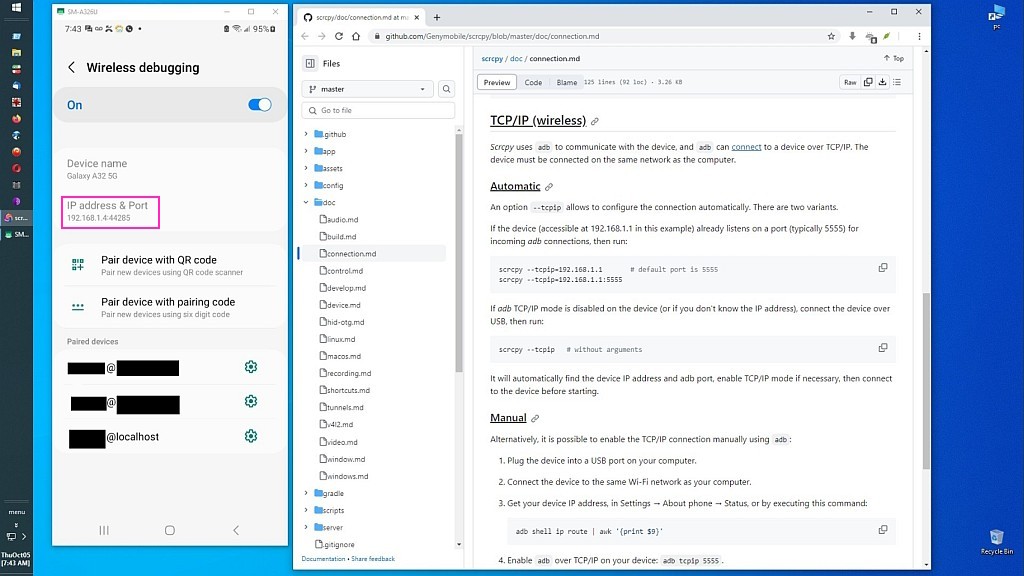
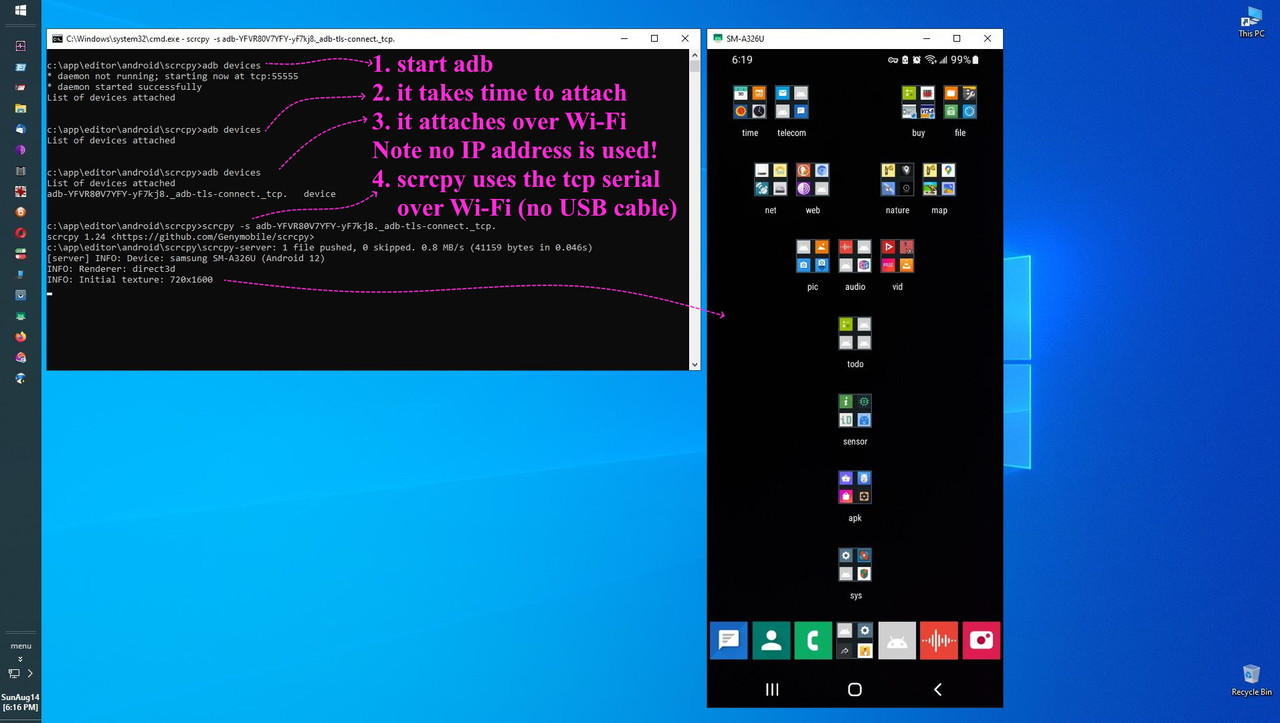
    <https://i.postimg.cc/tgvzsMRm/scrcpy25.jpg> Connect over Wi-Fi sans USB
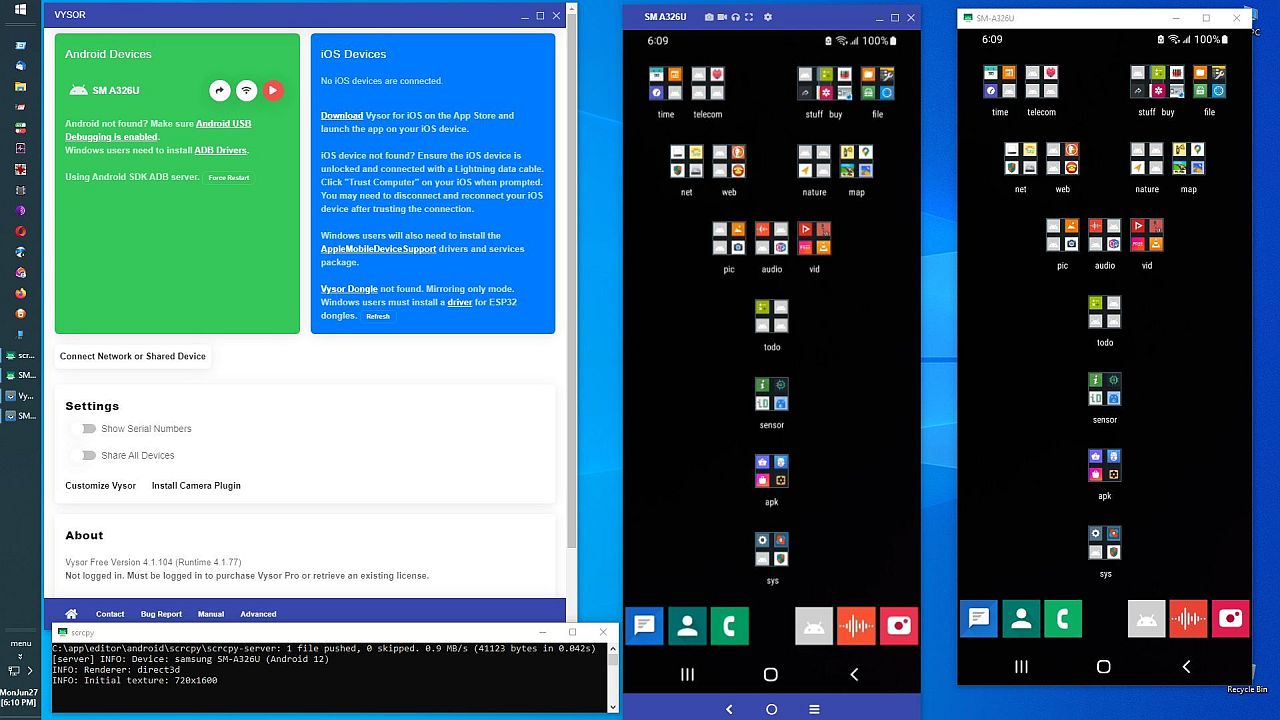
    <https://i.postimg.cc/Hnw59ZHm/scrcpy24.jpg> Compare Vysor to scrcpy
    <https://i.postimg.cc/mrz6gJpC/scrcpy23.jpg> Android SMS/MMS on Windows
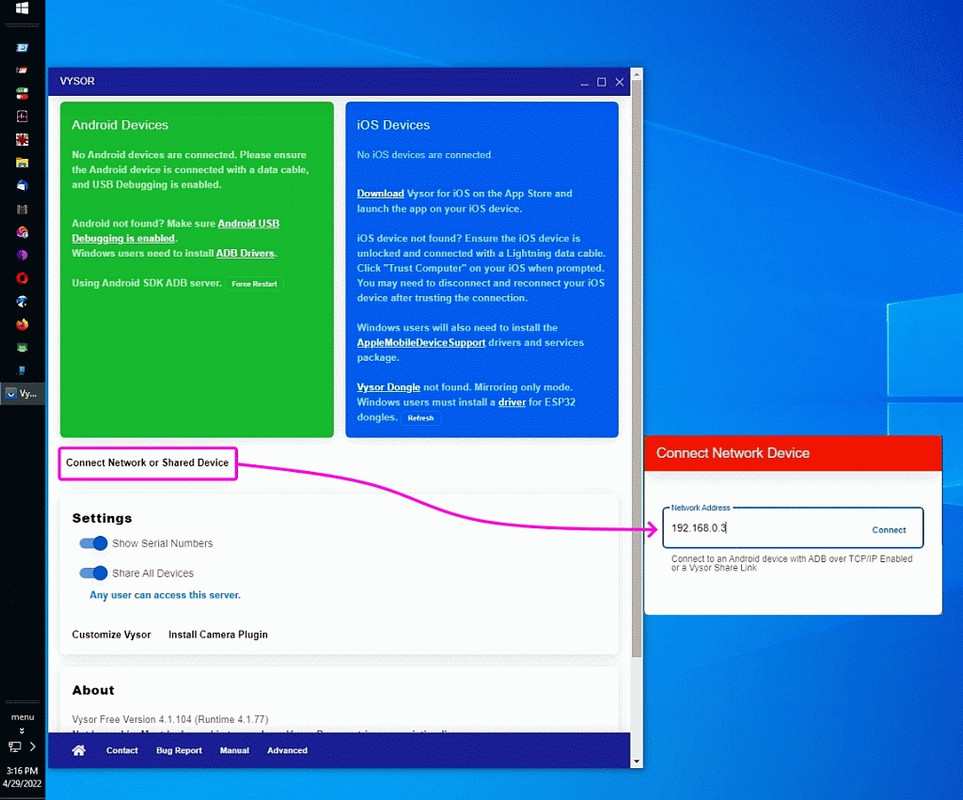
    <https://i.postimg.cc/c4Wq5x9j/scrcpy22.jpg> Vysor IP address option
    <https://i.postimg.cc/9FJMKYch/scrcpy21.jpg> Windows Drive: === Android
    <https://i.postimg.cc/Y9jbTtcN/scrcpy20.jpg> Start /b as a CMD works! :)
    <https://i.postimg.cc/3R6nTz7s/scrcpy19.jpg> Start /b TARGET fails :(
    <https://i.postimg.cc/Y93b1z0n/scrcpy18.jpg> Free Automation APKs
    <https://i.postimg.cc/bvRXdbxg/scrcpy17.jpg> AutoIT & IFFT & Automate
    <https://i.postimg.cc/5NrK7jtg/scrcpy16.jpg> powershell hide-console trick
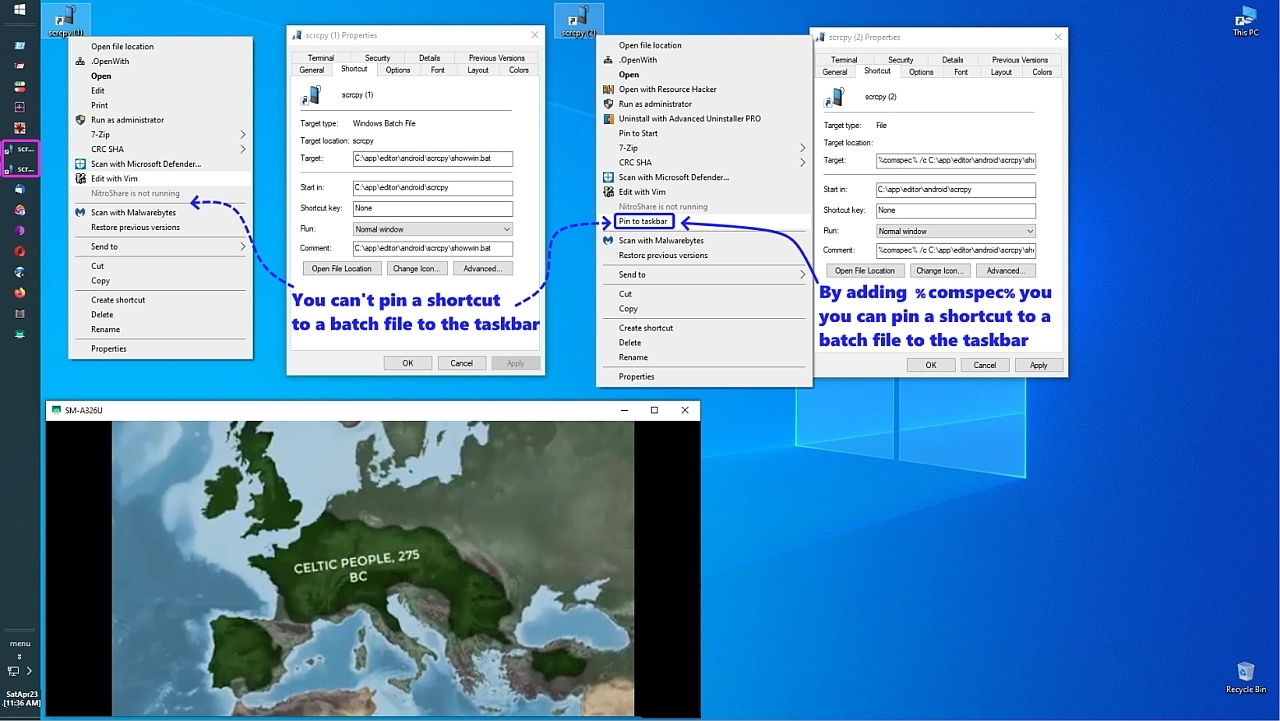
    <https://i.postimg.cc/g2yNftw0/scrcpy15.jpg> Trick to pin batch shortcut
    <https://i.postimg.cc/XqZsmVFM/scrcpy14.jpg> AppPath & shortcut TARGET
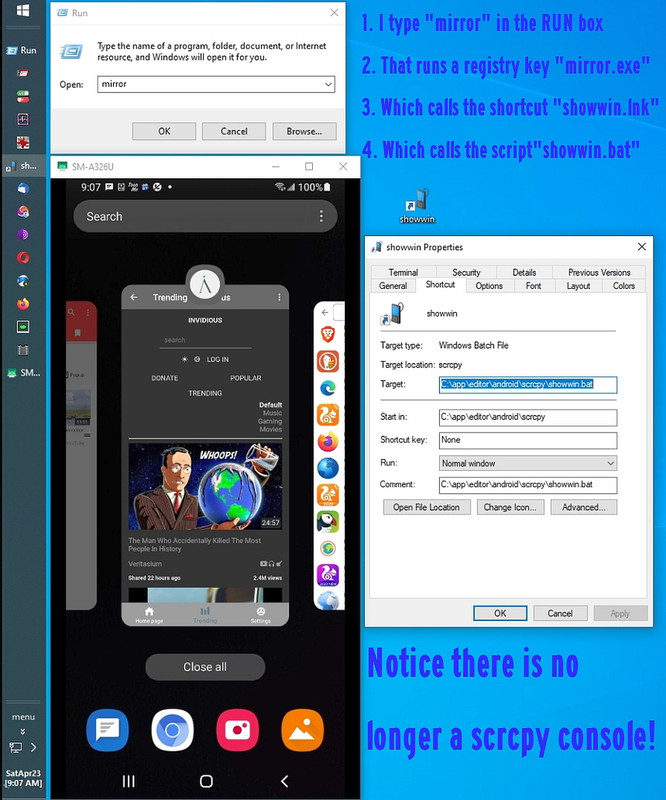
    <https://i.postimg.cc/CxXH6N2r/scrcpy13.jpg> No scrcpy console window!
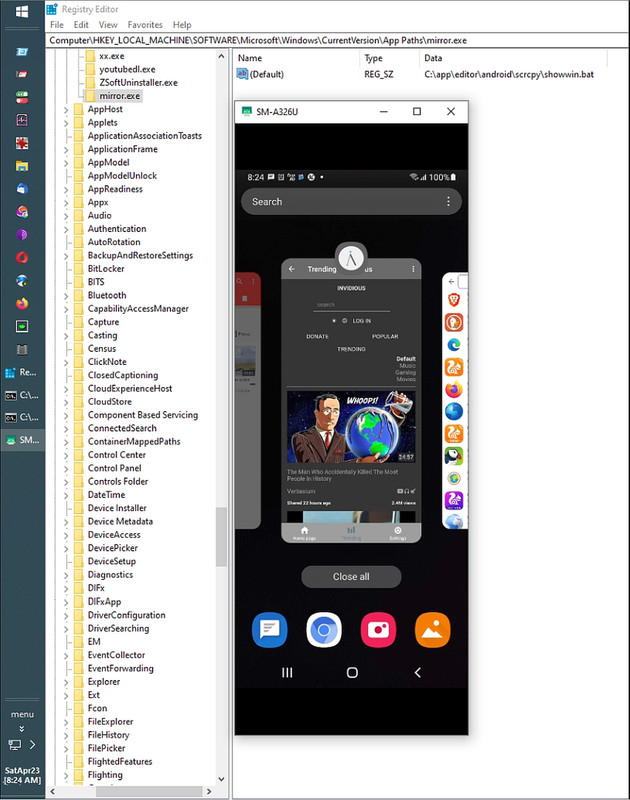
    <https://i.postimg.cc/yYKNnHxD/scrcpy12.jpg> REG test of showwin.lnk
    <https://i.postimg.cc/7LWJhWxq/scrcpy11.jpg> Shortcut test of showwin.lnk
    <https://i.postimg.cc/fyWw2nXh/scrcpy10.jpg> The console came up :(
    <https://i.postimg.cc/66Gn2t2g/scrcpy09.jpg> REG test of showwin.bat
    <https://i.postimg.cc/nV6K0Cfn/scrcpy08.jpg> CMD test of showwin.bat
    <https://i.postimg.cc/hjkVFyqJ/scrcpy07.jpg> Android mnt as drive letter
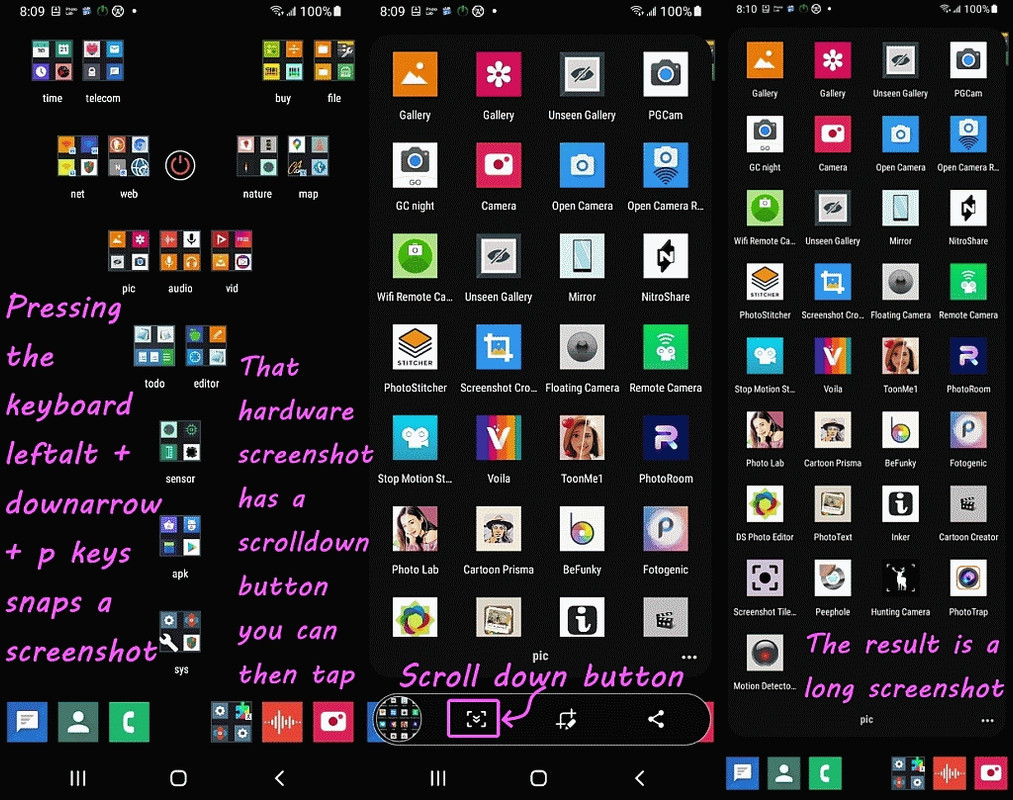
    <https://i.postimg.cc/Sx1hgWmY/scrcpy06.jpg> Press two hardware buttons
    <https://i.postimg.cc/wvsbcNBz/scrcpy05.jpg> Drag APK from Windows
    <https://i.postimg.cc/Y00vx4yp/scrcpy04.jpg> Extraneous cmd window (&)
    <https://i.postimg.cc/Vvrq0K0m/scrcpy03.jpg> The efficient setup explained
    <https://i.postimg.cc/tTmdgKTB/scrcpy02.jpg> An efficient program setup
    <https://i.postimg.cc/N0G1TXcZ/scrcpy01.jpg> Mirror Android on any PC
    --
    Sometimes, the simplest answer is only simple only after you know it.
    --- Synchronet 3.21b-Linux NewsLink 1.2
  • From R.Wieser@address@is.invalid to alt.comp.os.windows-xp,alt.windows7.general,alt.comp.os.windows-10,alt.msdos.batch.nt on Fri Feb 6 20:18:29 2026
    From Newsgroup: alt.windows7.general

    Kenny,

    First, to answer the thread question: My understanding is that this
    *is* how processes in DOS/Windows keep track of the current directory
    for each drive.

    I doubt it. I tried but could not find any DLL function to change the path for a specific drive.

    neither does the real underlying (NT) OS in modern Windows

    Nor do GUI programs running ontop of it (no "=c:" or similar entry to be seen). iow, it seems to be a quirk of just the command-processors.

    But an NT-era command-processor which actually *uses* environment-variables
    to keep track of them - instead of keeping those paths in some internal
    memory and just updates the environment variable when needed ? Thats hard
    to believe.

    So, the point is that there are "hidden" environment variables for each
    drive that has a current directory other than \.

    Not really my point, and no (see below).

    For example, on the machine I just tested this on, every drive
    other than C: had its current directory at the root, so the only
    env var I could find was the "=C:\foo\bar\whatever".

    Not quite : I just did the test to CD to some folder, change back to the
    root and than executed the program showing all the environment-variables.
    It showed the entry "=C:=c:\".

    iow, it looks like that if an entry for a drive has been created it stays.

    That said, I am genuinely (non-rhetorically) curious as to how
    you discovered this in the first place, given that these variables
    are not displayed by the DOS "set" command.

    Thats easy to explain : the GetEnvironmentStrings function in Kernel32.DLL retrieves them all. :-)

    You'd have needed to use some other tool to scan the environment
    table. For that reason, a screenshot would actually have been
    useful.

    So you guys could see a program named "test.exe" with a number of strings below it, which look like the output of a commandline "set" command ? How would that help anyone ?

    Or, you could just tell us how you found it...

    :-) I did. Now you can ask yourself *why* I used that
    GetEnvironmentStrings function. :-p

    Two other notes:
    ...
    That other product (tool) does, indeed, have the ability to access
    these variables.

    SetEnvironmentVariable, GetEnvironmentVariable and GetEnvironmentStrings are all part of Kernel32.DLL . Most programming languages (and even some scripting ones) can call them them.

    2) (Speaking of screenshots) Given that this is Usenet, and Usenet
    is (supposed to be) a text-only medium, how would one go about
    posting a screenshot, should one desire to do so? Is there any
    established protocol?

    As these newsgroups (on news.eternal-september.org) do not allow attachments you would need to upload them to some image-server, and add the link to it
    to your post.

    Ofcourse, most of those image-servers will want you to create an account
    with them, and will only allow the others to see the uploaded image after having passed some Javascript hurdles.

    For the same reason as Google doesn't work for me those image-servers do not work for me either.

    By the way : some newsgroup servers do allow HTML posting as well as attachments. news.ethernal.september.org mostly disallows them pretty-much everywhere.

    Regards,
    Rudy Wieser


    --- Synchronet 3.21b-Linux NewsLink 1.2
  • From R.Wieser@address@is.invalid to alt.comp.os.windows-xp,alt.windows7.general,alt.comp.os.windows-10,alt.msdos.batch.nt on Fri Feb 6 20:32:27 2026
    From Newsgroup: alt.windows7.general

    Herbert,

    some more information about "Undocumented Dynamic variables":

    https://ss64.com/nt/syntax-variables.html

    Funny: They start with mentioning the allowed characters for the variable
    name, and a bit later on showing that that gets violated.

    And by the way, as I've mentioned a few times, the "=" *can* be part of the variable name (as its first character) just not when trying to write.(to)
    one ("echo %=C:%" does work)

    and especially for the %=C:% :

    https://devblogs.microsoft.com/oldnewthing/20100506-00/?p=14133

    [quote]
    But why put these internal variables in the environment? Can't they just be regular variables inside the cmd.exe process?

    The variables are exported into the environment because you want these "fake per-drive current directories" *to be inherited by child processes*.
    [/quote]
    (bolding mine)

    Yep, at some point I realized that that might be the /only/ reason for them
    to be there.

    [quote]
    What should you do about these variables, then?

    Nothing. Just let them be and do their jobs. IAm just mentioning them here
    so you wonAt freak out when you see them.
    [/quote]

    Meh. :-)

    Thanks for the info.

    Regards,
    Rudy Wieser


    --- Synchronet 3.21b-Linux NewsLink 1.2
  • From Frank Slootweg@this@ddress.is.invalid to alt.comp.os.windows-xp,alt.windows7.general,alt.comp.os.windows-10 on Fri Feb 6 19:46:45 2026
    From Newsgroup: alt.windows7.general

    R.Wieser <address@is.invalid> wrote:
    Frank,

    Current working directory, to be precise.

    Nope, thats something else.

    No, it is, but - as usual - you snipped the/your context. Your
    problem, not ours.

    Google, which you apparently don't want to use,

    Some years ago Google stopped wanting to work with my non-javascript browser. Who's choice was that ?

    And that's our problem exactly how/why?

    If you don't want to use javascript, then fine, but face the
    consequences and don't let others suffer the consequences of your
    choices.

    says (amongst others):

    "The %=C:% environment variable in Windows is a hidden, special
    system-wide variable that stores the current working directory
    for the C: drive.

    See? "current working directory", like I said.

    Its certainly not system-wide.

    It probably was in the "legacy mechanism". Another part you snipped.

    See a pattern there!? :-(

    that allows the command processor (cmd.exe)

    Ah, just for the command-processor processes. That makes more sense.

    Here are the key details about %=C:%:
    [snip]

    That explains nothing about its usage.

    It's usage is rather obvious from the snipped (Sigh!) example. The
    others had no problems understanding it's usage, See for example, but
    not only, Kenny's response.

    "If you change drives, other variables like %=D:%, %=E:%, etc.,
    are created for those respective drives.".

    In the command-processor process the change is made in (iow: nothing "system wide" about it). Yeah, I noticed.

    Bottom line :
    The question still stands : What is the "=C:" environment variable used for ?

    Sigh!

    To know the current working directory on the C: drive, when the
    active working directory is on another drive.

    As it's an environment variable, it can be used in other commands,
    etc..

    C:\home\franks>cd
    C:\home\franks

    C:\home\franks>m:

    echo %=C:%
    C:\home\franks

    cd home

    M:\home>c:

    C:\home\franks>echo %=M:%
    M:\home

    C:\home\franks>
    --- Synchronet 3.21b-Linux NewsLink 1.2
  • From Herbert Kleebauer@klee@unibwm.de to alt.comp.os.windows-xp,alt.windows7.general,alt.comp.os.windows-10,alt.msdos.batch.nt on Fri Feb 6 21:24:43 2026
    From Newsgroup: alt.windows7.general

    On 2/6/2026 8:18 PM, R.Wieser wrote:

    As these newsgroups (on news.eternal-september.org) do not allow attachments you would need to upload them to some image-server, and add the link to it
    to your post.

    You can post the screen shot in: de.alt.dateien.misc
    and in the text-only group just give the information
    that you posted it there.
    --- Synchronet 3.21b-Linux NewsLink 1.2
  • From J. P. Gilliver@G6JPG@255soft.uk to alt.comp.os.windows-xp,alt.windows7.general,alt.comp.os.windows-10,alt.msdos.batch.nt on Fri Feb 6 23:48:15 2026
    From Newsgroup: alt.windows7.general

    On 2026/2/6 19:6:49, Maria Sophia wrote:
    Kenny McCormack wrote:
    2) (Speaking of screenshots) Given that this is Usenet, and Usenet is
    (supposed to be) a text-only medium, how would one go about posting a

    Well, a lot of usenet is - many newsgroups, and many (especially the
    free) newsservers. There _are_ newsgroups that carry attachments - used
    to be called "binaries"; even some whose main reason for existing is to
    do so. In general, only carried by paid newsservers.

    screenshot, should one desire to do so? Is there any established
    protocol?

    []

    But for Kenny's question above, most of us use some form of free image-hosting web site, where the one I use most asks for no login.

    []

    Or just general file-sharing site. (And, of course, include in your
    newsgroup post - or email - the URL of the uploaded file.)

    Note that most such sites (fair enough, they've got to pay for
    themselves somehow) surround the image being shared with ad.s, and/or
    require you to log in, and so on. Note also that one of the common image
    ones isn't accessible from the UK (again, fair enough: the UK passed
    laws controlling what's accessible to minors, and that site rather than employing staff to vet either the uploads or those trying to access
    them, took the simpler way out).

    (FWIW, since I have a small web site [more or less vanity] anyway, I
    just dump any such files into a directory on it. For example <https://255soft.uk/temp/%5Bopening%20crisps%20in%20pub%5D%20ETBC-1qXQAAhhVW.jpg>._
    --
    J. P. Gilliver. UMRA: 1960/<1985 MB++G()ALIS-Ch++(p)Ar++T+H+Sh0!:`)DNAf

    Nunc Tutus Exitus Computarus (It is now safe to turn off your computer)
    --- Synchronet 3.21b-Linux NewsLink 1.2
  • From J. P. Gilliver@G6JPG@255soft.uk to alt.comp.os.windows-xp,alt.windows7.general,alt.comp.os.windows-10 on Sat Feb 7 00:05:56 2026
    From Newsgroup: alt.windows7.general

    On 2026/2/6 18:16:15, R.Wieser wrote:
    []
    Bottom line :
    The question still stands : What is the "=C:" environment variable used for ?

    Regards,
    Rudy Wieser


    The command prompt remembers what directory is the current one for each
    "drive letter" you switch to (which can be partitions, drives, SUBSTed "drives", or IIRR network drives).
    It obviously has to remember that _some_where. Whether an "environment variable" is a good choice for that is above my pay grade. But that's
    what it is used for: if in a command prompt you switch to a different
    drive letter, it remembers what directory you were in last tome you left
    that letter.
    --
    J. P. Gilliver. UMRA: 1960/<1985 MB++G()ALIS-Ch++(p)Ar++T+H+Sh0!:`)DNAf
    --- Synchronet 3.21b-Linux NewsLink 1.2
  • From Kerr-Mudd, John@admin@127.0.0.1 to alt.comp.os.windows-xp,alt.windows7.general,alt.comp.os.windows-10,alt.msdos.batch.nt on Sun Feb 8 15:38:35 2026
    From Newsgroup: alt.windows7.general

    On Sat, 7 Feb 2026 03:22:05 -0000 (UTC)
    gazelle@shell.xmission.com (Kenny McCormack) wrote:

    In article <10m5ujv$h4sl$3@dont-email.me>,
    J. P. Gilliver <G6JPG@255soft.uk> wrote:
    ...
    But for Kenny's question above, most of us use some form of free
    image-hosting web site, where the one I use most asks for no login.

    No worries; I have no desire to post any screenshots here.

    I was just amused by the idea of someone requesting a screenshot on Usenet.

    As Tim Walz would say, weird!

    And, the point is: Usenet *is* a text-only medium, by definition and
    decree, even if lots of people have abused it over the years.
    --
    "There are two things that are important in politics.
    The first is money and I can't remember what the second one is."
    - Mark Hanna -


    Screenshot 25x80 textmode CutnPaste

    2048S1A3 COM 260

    Get Real Debugger Version 9.6 Copyright (c) 1997-2009 David Lindauer
    (LADSoft) GRDB comes with ABSOLUTELY NO WARRANTY, for details type `?g'
    This is free software, and you are welcome to redistribute it
    under certain conditions; type `?gr' for details

    DPMI Start code hooked
    History enabled
    eax:00000000 ebx:00000000 ecx:00000104 edx:00000000 esi:00000000
    edi:00000000 ebp:00000000 esp:0000FFEE eip:00000100 flag:00000202 NV UP EI
    PL NZ NA PO NC ds:1639 es:1639 fs:1639 gs:1639 ss:1639 cs:1639
    1639:0100 B1 12 mov cl,12
    Size: 00000104
    q
    D:\work\SOURCE\2048>
    --
    Bah, and indeed Humbug.
    --- Synchronet 3.21b-Linux NewsLink 1.2
  • From Rules@rules@invalid.invalid to alt.windows7.general,alt.comp.os.windows-10,alt.comp.os.windows-11 on Mon Feb 9 22:14:10 2026
    From Newsgroup: alt.windows7.general

    On 07/02/2026 03:22, Kenny McCormack wrote:
    And, the point is: Usenet*is* a text-only medium, by definition and
    decree, even if lots of people have abused it over the years.

    The rules are made 'by definition and decree' for a very good reason rCo
    so that people can exploit them! What would be the point of rules if
    nobody were willing to break them?

    EfyerLaEfiiEfieEfiAEfiiEfiEEficEfyeEfnuEfoarCiEfo4


    --- Synchronet 3.21b-Linux NewsLink 1.2
  • From Anton Shepelev@anton.txt@g{oogle}mail.com to alt.comp.os.windows-xp,alt.windows7.general,alt.comp.os.windows-10,alt.msdos.batch.nt on Wed Feb 18 19:30:22 2026
    From Newsgroup: alt.windows7.general

    J. P. Gilliver:

    Or just general file-sharing site. (And, of course,
    include in your newsgroup post - or email - the URL of
    the uploaded file.)

    Note that most such sites (fair enough, they've got to
    pay for themselves somehow) surround the image being
    shared with ad.s, and/or require you to log in, and so
    on.

    There are many good, clean, and anonymoust file- and
    image-hosting websites, e.g.:

    <https://catbox.moe/>
    <https://0x0.st/>
    <https://paste.c-net.org/>
    --
    () ascii ribbon campaign -- against html e-mail
    /\ www.asciiribbon.org -- against proprietary attachments
    --- Synchronet 3.21b-Linux NewsLink 1.2