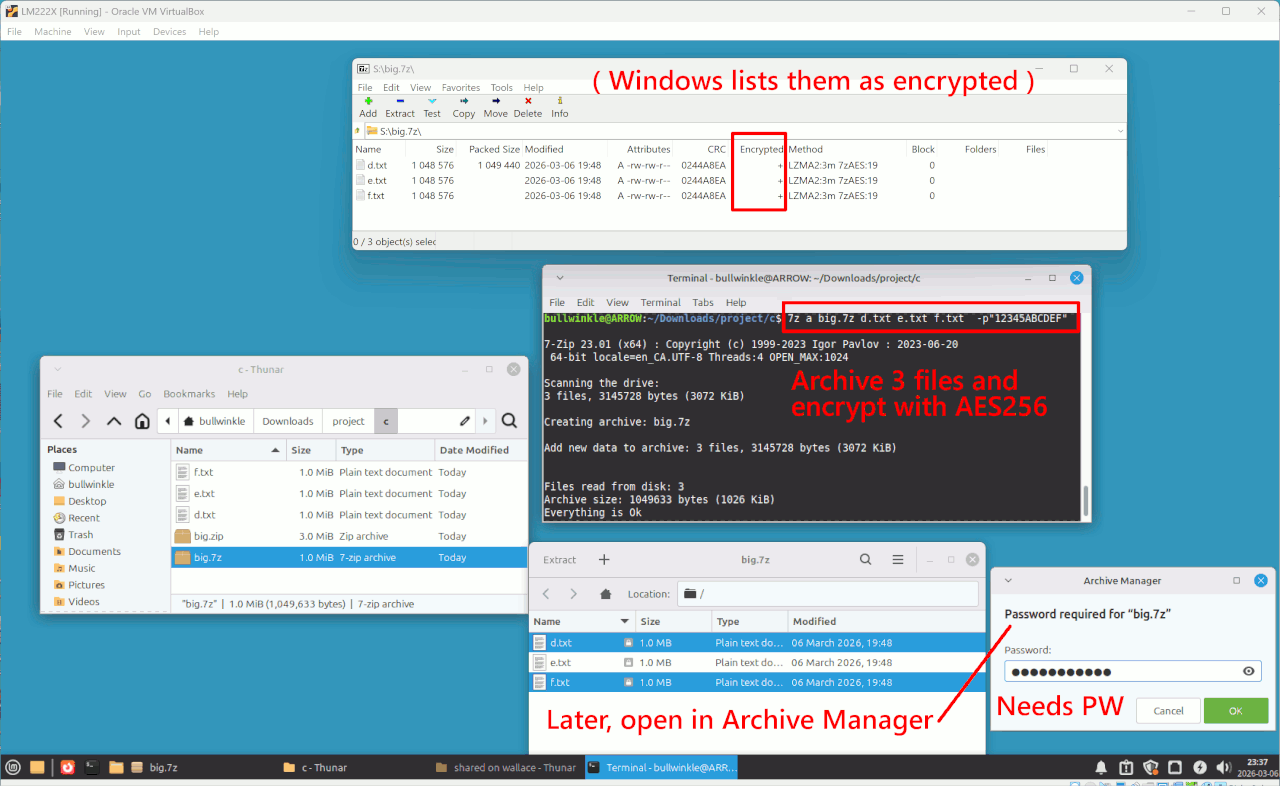
In Ubuntu, right now I'm selecting each individual file (left
clicking), right clicking and choosing compress, keeping same file
name, and then entering password, then create but this is going to
take a long time for well over a hundred files!-a I don't want to
create a new archive name for the group as this will mean that all
would have to be unzipped later.-a I just want to keep original file names.-a thanks
In Ubuntu, right now I'm selecting each individual file (left clicking), right clicking and choosing compress, keeping same file name, and then entering password, then create but this is going to take a long time for well over a hundred files!-a I don't want to create a new archive name
for the group as this will mean that all would have to be unzipped > later.-a I just want to keep original file names.-a thanks
JR Dolobson wrote:
In Ubuntu, right now I'm selecting each individual file (left clicking), right clicking and choosing compress, keeping same file name, and then entering password, then create but this is going to take a long time for
well over a hundred files! I don't want to create a new archive name
for the group as this will mean that all would have to be unzipped
later. I just want to keep original file names. thanks
| Sysop: | Amessyroom |
|---|---|
| Location: | Fayetteville, NC |
| Users: | 74 |
| Nodes: | 6 (0 / 6) |
| Uptime: | 30:53:38 |
| Calls: | 1,195 |
| Files: | 1,354 |
| D/L today: |
16 files (19,622K bytes) |
| Messages: | 294,362 |