• Pairing a phone to Win11

    From crasso@crasso@nycap.rr.com to alt.comp.os.windows-11 on Wed Oct 28 15:30:32 2026
    From Newsgroup: alt.comp.os.windows-11

    I wanted to send a text message to my iphone from my Win11 pc. Trying
    to follow directions, I get to a point where the pc and the cell phone
    need to pair. They refuse to do so. Any tips?
    --- Synchronet 3.22a-Linux NewsLink 1.2
  • From Carlos E.R.@robin_listas@es.invalid to alt.comp.os.windows-11 on Wed Oct 28 20:56:38 2026
    From Newsgroup: alt.comp.os.windows-11

    On 2026-10-28 20:30, crasso@nycap.rr.com wrote:
    I wanted to send a text message to my iphone from my Win11 pc. Trying
    to follow directions,

    What directions?

    I get to a point where the pc and the cell phone
    need to pair. They refuse to do so. Any tips?
    --
    Cheers, Carlos.
    ESEfc-Efc+, EUEfc-Efc|;
    --- Synchronet 3.22a-Linux NewsLink 1.2
  • From Arkadiusz 'Black Fox' Artyszuk@asdfadsasdfa@atomicmail.io to alt.comp.os.windows-11 on Wed Oct 28 21:03:26 2026
    From Newsgroup: alt.comp.os.windows-11

    crasso@nycap.rr.com wrote:

    I wanted to send a text message to my iphone from my Win11 pc. Trying
    to follow directions, I get to a point where the pc and the cell phone
    need to pair. They refuse to do so. Any tips?

    https://www.microsoft.com/en-us/windows/learning-center/how-to-connect-your-phone-to-a-computer
    --
    Regards
    Arkadiusz 'Black Fox' Artyszuk
    --- Synchronet 3.22a-Linux NewsLink 1.2
  • From =?UTF-8?B?Li4ud8Khw7HCp8KxwqTDsQ==?=@winstonmvp@gmail.com to alt.comp.os.windows-11 on Wed Oct 28 13:56:56 2026
    From Newsgroup: alt.comp.os.windows-11

    On 10/28/26 12:30 PM, crasso@nycap.rr.com wrote:
    I wanted to send a text message to my iphone from my Win11 pc. Trying
    to follow directions, I get to a point where the pc and the cell phone
    need to pair. They refuse to do so. Any tips?

    Define 'text message'
    SMS
    MMS
    RCS
    Notepad text

    What service(provider) is your phone?
    Verizon, Tmobile, etc..
    --
    ...w-i|#-o-#-n|#
    --- Synchronet 3.22a-Linux NewsLink 1.2
  • From Paul@nospam@needed.invalid to alt.comp.os.windows-11 on Wed Oct 28 17:55:34 2026
    From Newsgroup: alt.comp.os.windows-11

    On Wed, 10/28/2026 3:30 PM, crasso@nycap.rr.com wrote:
    I wanted to send a text message to my iphone from my Win11 pc. Trying
    to follow directions, I get to a point where the pc and the cell phone
    need to pair. They refuse to do so. Any tips?


    https://learn.microsoft.com/en-us/answers/questions/5791656/pairing-an-iphone-to-a-desktop-pc

    "On the Windows 11 PC (Phone Link):

    Open the Start menu and search for Phone Link, then open it.
    Under Pick your phone, select iPhone.
    Follow the step-by-step pairing instructions until a QR code appears.
    With the iPhone camera, scan the QR code shown on the PC to initiate Bluetooth pairing.
    Complete the pairing prompts on both devices.

    On the iPhone (Bluetooth and permissions):

    Open Settings > Bluetooth and make sure Bluetooth is turned on.
    In the My Devices list, tap the (i) icon next to the PC name.
    Turn on options to Show Notifications and Sync Contacts so the PC can see notifications
    and messages as needed.

    If pairing fails:

    On Windows 11: go to Settings > Bluetooth & devices, select the iPhone, and choose Remove device.
    On iPhone: go to Settings > Bluetooth, tap the (i) next to the PC name, and choose Forget This Device.
    Turn Bluetooth off on both devices, wait 10 seconds, then turn Bluetooth back on.
    Open Phone Link again on the PC and repeat the pairing steps.
    "

    That shows some sort of intent to verification it is
    pairing with the right thing, and is not being spoofed
    somehow.

    Paul


    --- Synchronet 3.22a-Linux NewsLink 1.2
  • From Zaidy036@Zaidy036@air.isp.spam to alt.comp.os.windows-11 on Wed Oct 28 19:42:47 2026
    From Newsgroup: alt.comp.os.windows-11

    On 10/28/2026 3:30 PM, crasso@nycap.rr.com wrote:
    I wanted to send a text message to my iphone from my Win11 pc. Trying
    to follow directions, I get to a point where the pc and the cell phone
    need to pair. They refuse to do so. Any tips?

    Note this requires LEBT = Low Energy BT and your devices must use it and
    not the "normal" BT
    --- Synchronet 3.22a-Linux NewsLink 1.2
  • From Maria Sophia@mariasophia@comprehension.com to alt.comp.os.windows-11,misc.phone.mobile.iphone,comp.sys.mac.advocacy on Thu Oct 29 00:37:28 2026
    From Newsgroup: alt.comp.os.windows-11

    Paul wrote:
    On Wed, 10/28/2026 3:30 PM, crasso@nycap.rr.com wrote:
    I wanted to send a text message to my iphone from my Win11 pc. Trying
    to follow directions, I get to a point where the pc and the cell phone
    need to pair. They refuse to do so. Any tips?


    https://learn.microsoft.com/en-us/answers/questions/5791656/pairing-an-iphone-to-a-desktop-pc

    "On the Windows 11 PC (Phone Link):

    Open the Start menu and search for Phone Link, then open it.
    Under Pick your phone, select iPhone.
    Follow the step-by-step pairing instructions until a QR code appears.
    With the iPhone camera, scan the QR code shown on the PC to initiate Bluetooth pairing.
    Complete the pairing prompts on both devices.

    On the iPhone (Bluetooth and permissions):

    Open Settings > Bluetooth and make sure Bluetooth is turned on.
    In the My Devices list, tap the (i) icon next to the PC name.
    Turn on options to Show Notifications and Sync Contacts so the PC can see notifications
    and messages as needed.

    If pairing fails:

    On Windows 11: go to Settings > Bluetooth & devices, select the iPhone, and choose Remove device.
    On iPhone: go to Settings > Bluetooth, tap the (i) next to the PC name, and choose Forget This Device.
    Turn Bluetooth off on both devices, wait 10 seconds, then turn Bluetooth back on.
    Open Phone Link again on the PC and repeat the pairing steps.
    "

    That shows some sort of intent to verification it is
    pairing with the right thing, and is not being spoofed
    somehow.

    Microsoft documentation on how to get an iPhone to play nice with Windows:
    *Phone Link requirements and setup*
    <https://support.microsoft.com/en-us/windows/apps/phonelink/phone-link-requirements-and-setup>

    *Setting up calls in the Phone Link*
    <https://support.microsoft.com/en-us/windows/apps/phonelink/setting-up-calls-in-the-phone-link>

    *Sync your PC and phone*
    <https://www.microsoft.com/en-gb/windows/sync-across-your-devices>

    True to Apple's goal of NOT interoperating with any other platform,
    apparently Apple doesn't host instructions because Phone Link is a Microsoft-developed application built for Windows, though it relies
    entirely on iOS's native Bluetooth accessory protocols to function.

    Prove me wrong if you disagree.

    There is this though:
    *Connect iPhone to Bluetooth accessories*
    <https://support.apple.com/guide/iphone/connect-bluetooth-accessories-iph3c50f191/ios>
    --- Synchronet 3.22a-Linux NewsLink 1.2
  • From Maria Sophia@mariasophia@comprehension.com to alt.comp.os.windows-11,comp.sys.mac.advocacy,misc.phone.mobile.iphone on Thu Oct 29 00:41:41 2026
    From Newsgroup: alt.comp.os.windows-11

    crasso@nycap.rr.com wrote:
    I wanted to send a text message to my iphone from my Win11 pc. Trying
    to follow directions, I get to a point where the pc and the cell phone
    need to pair. They refuse to do so. Any tips?

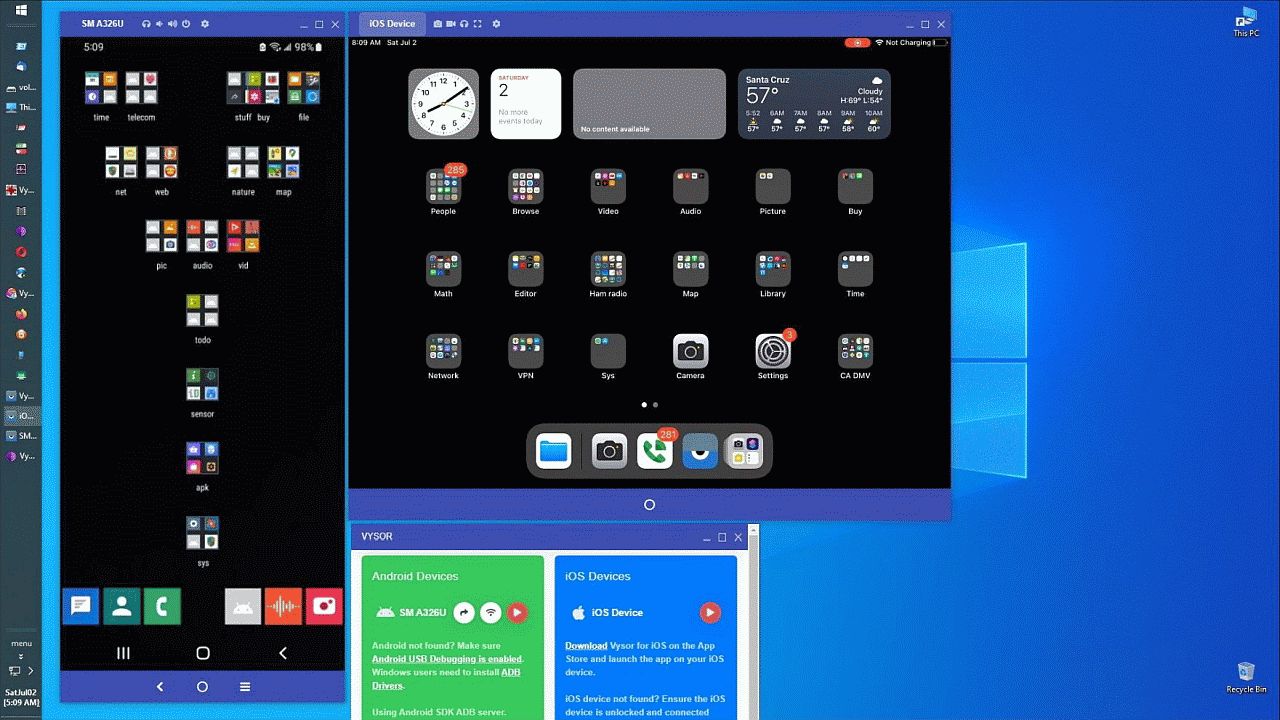
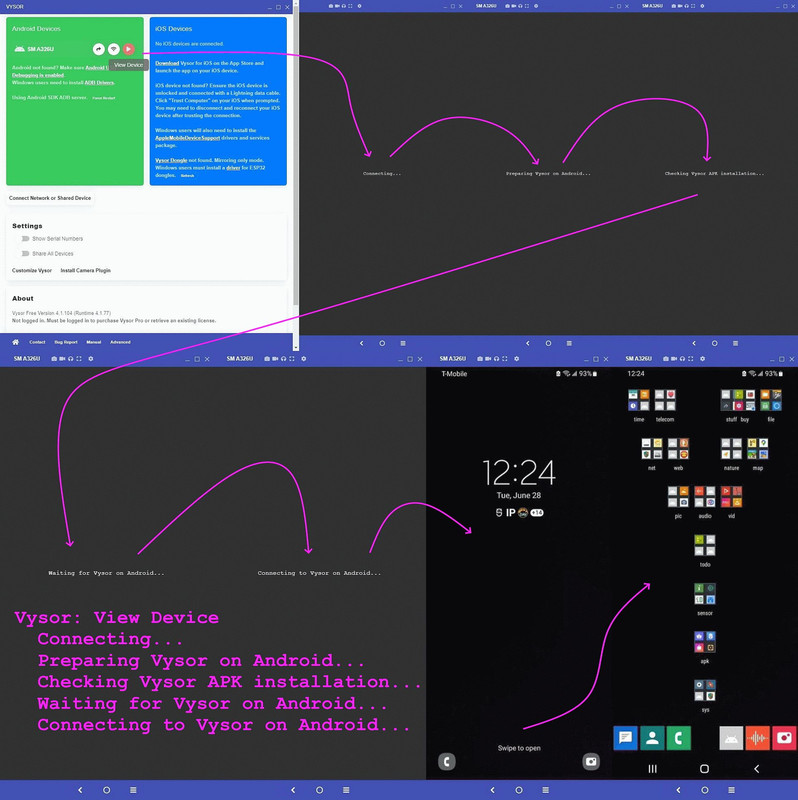
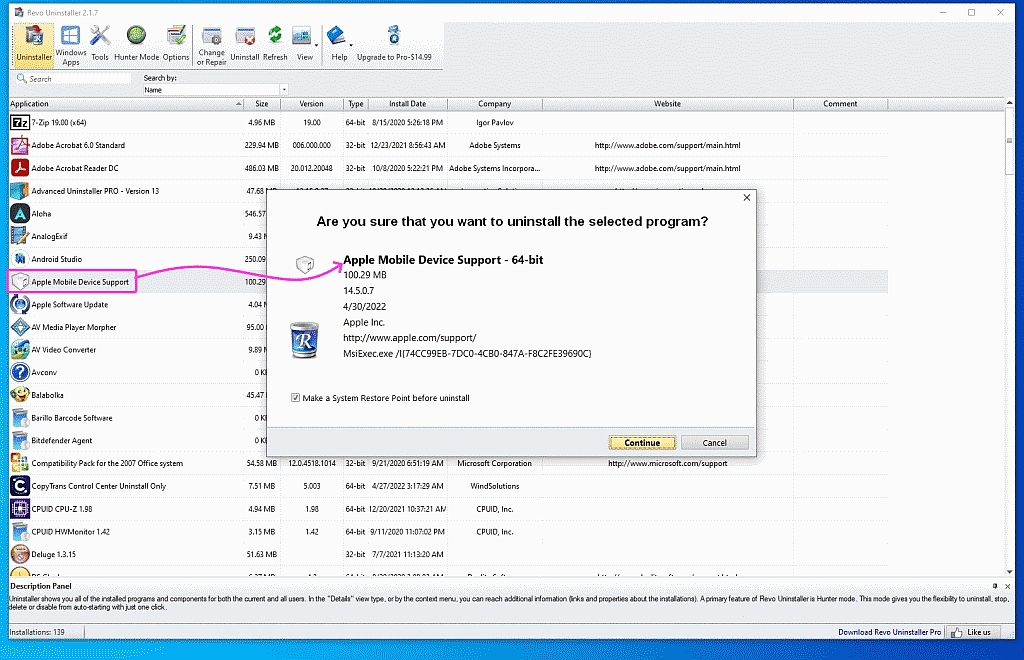
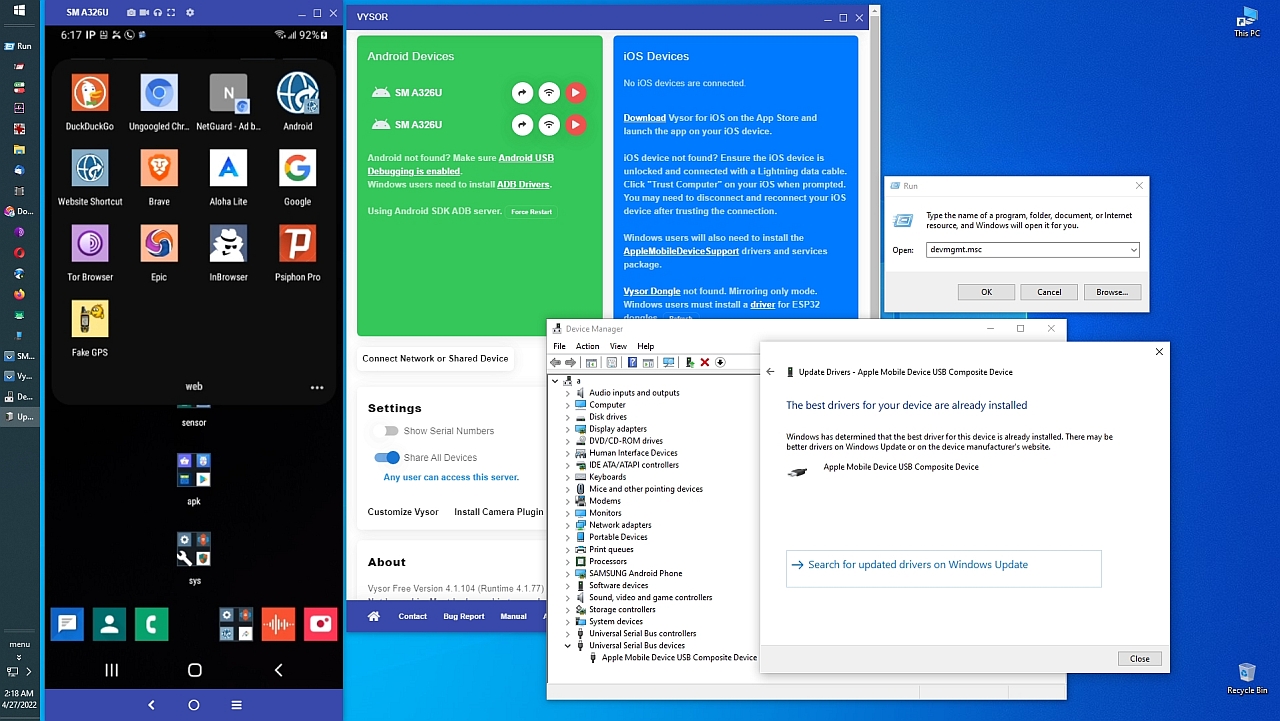
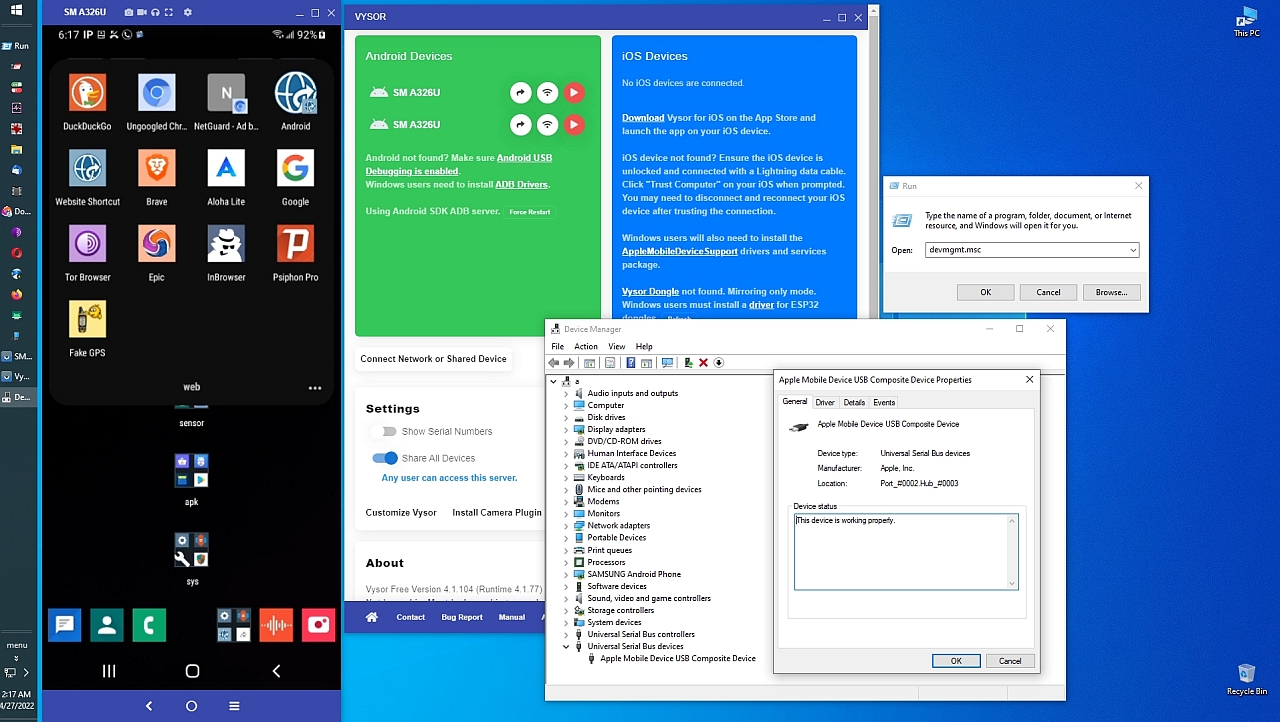
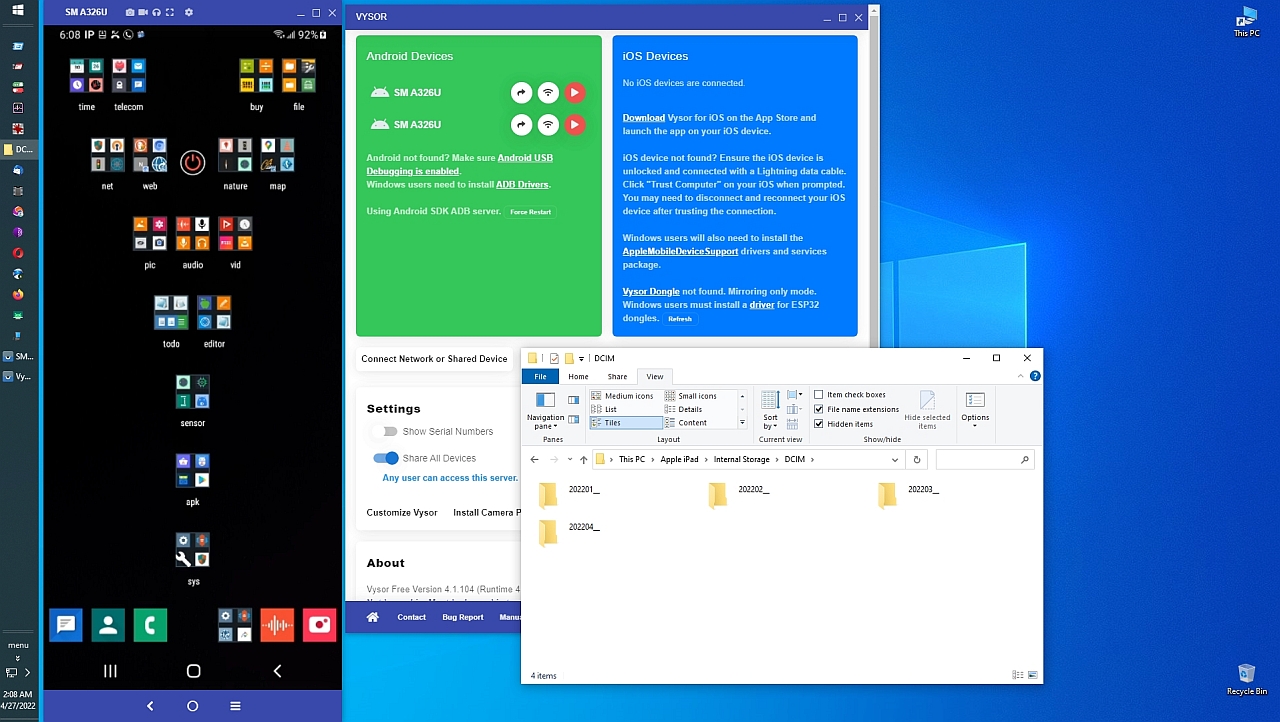
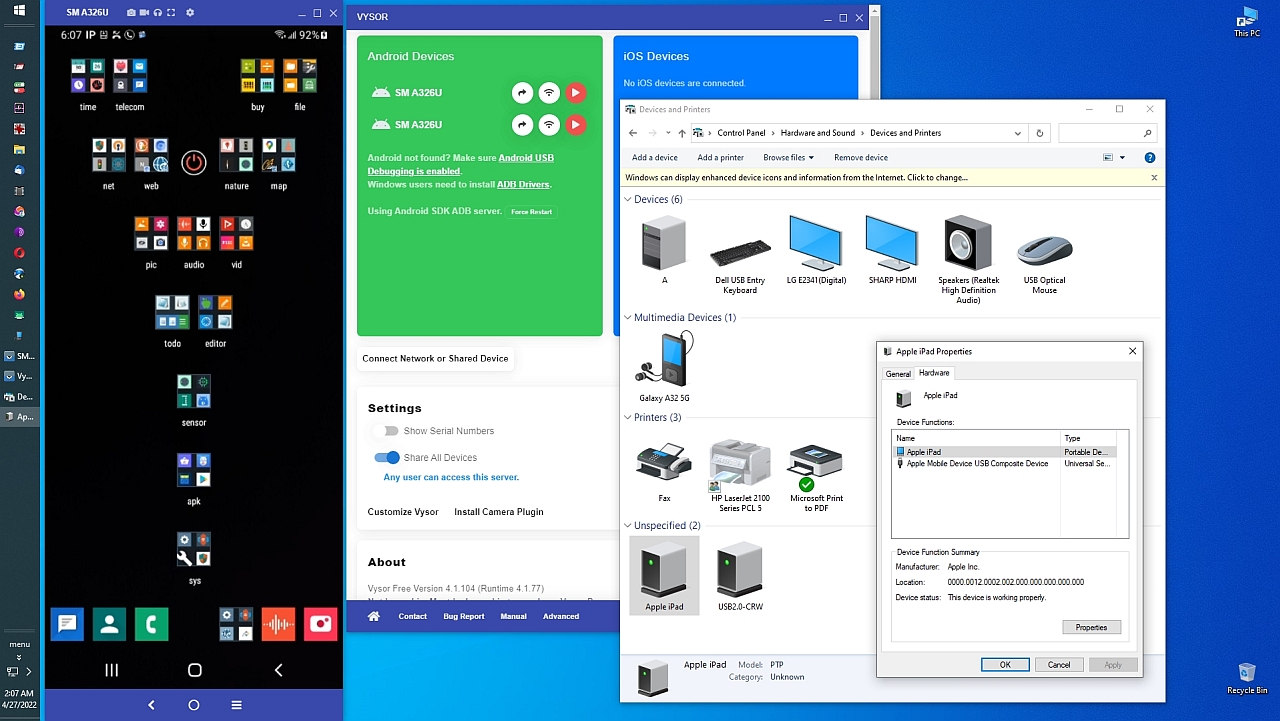
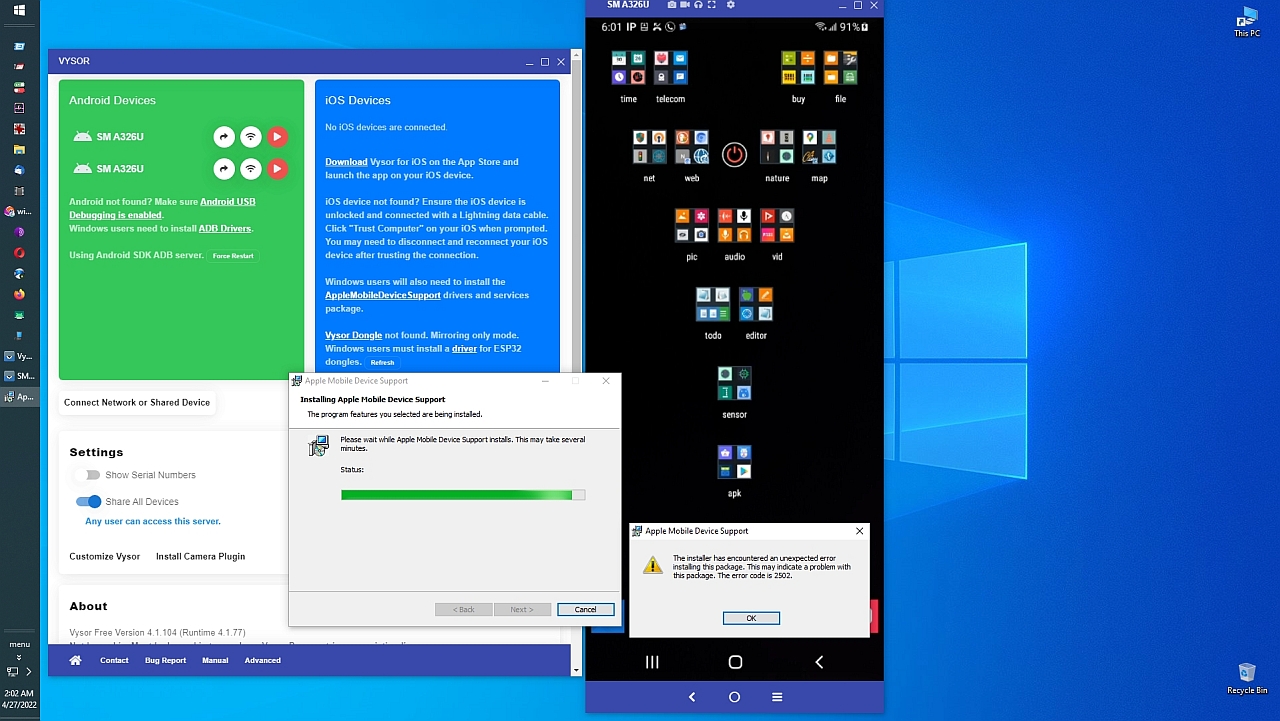
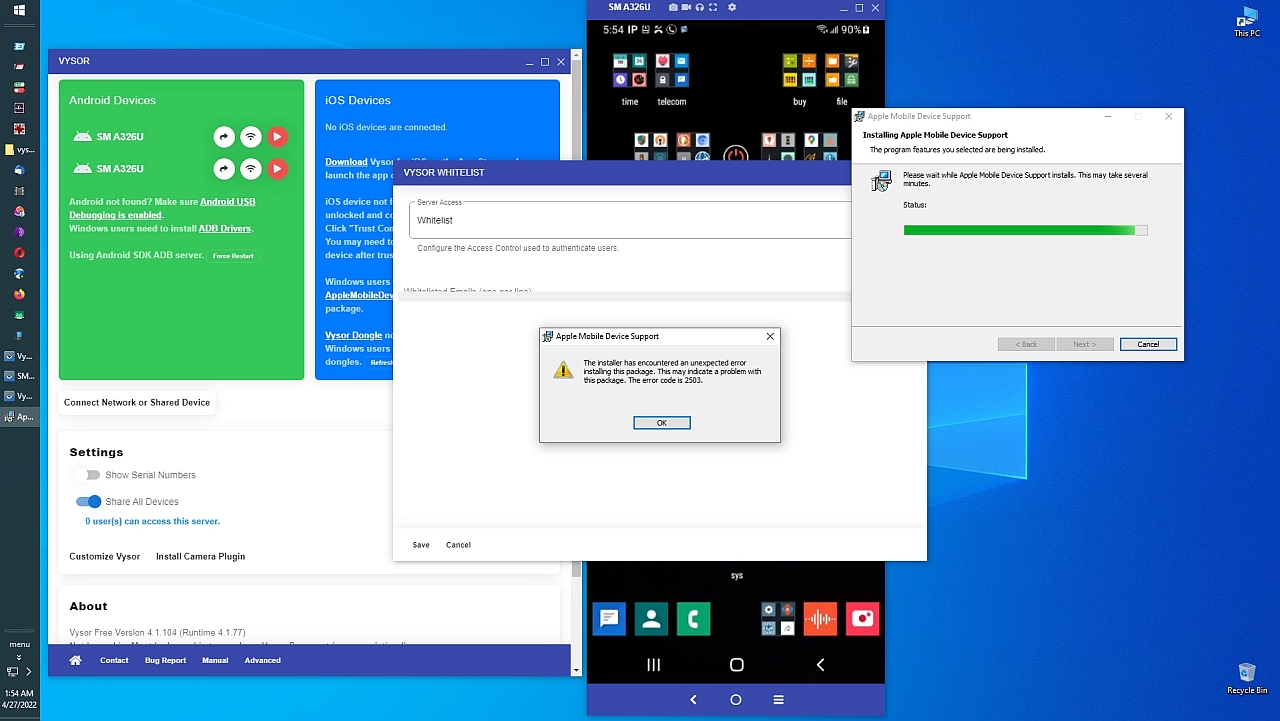
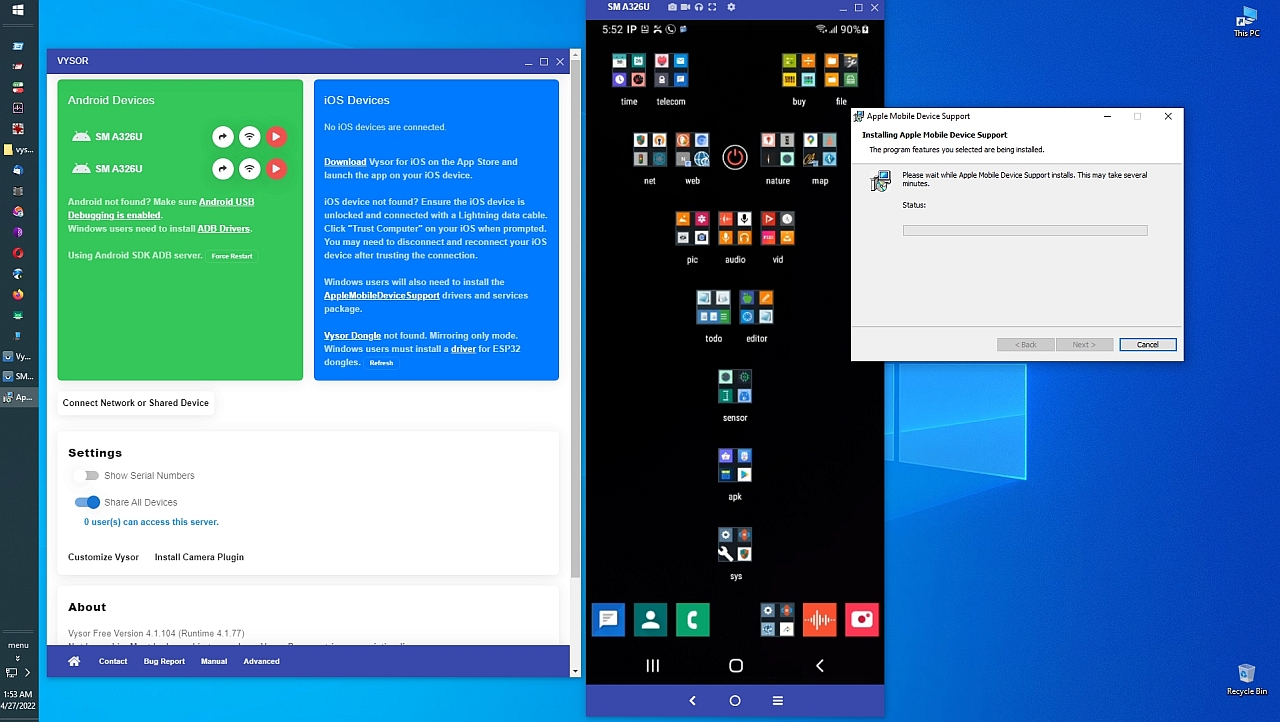
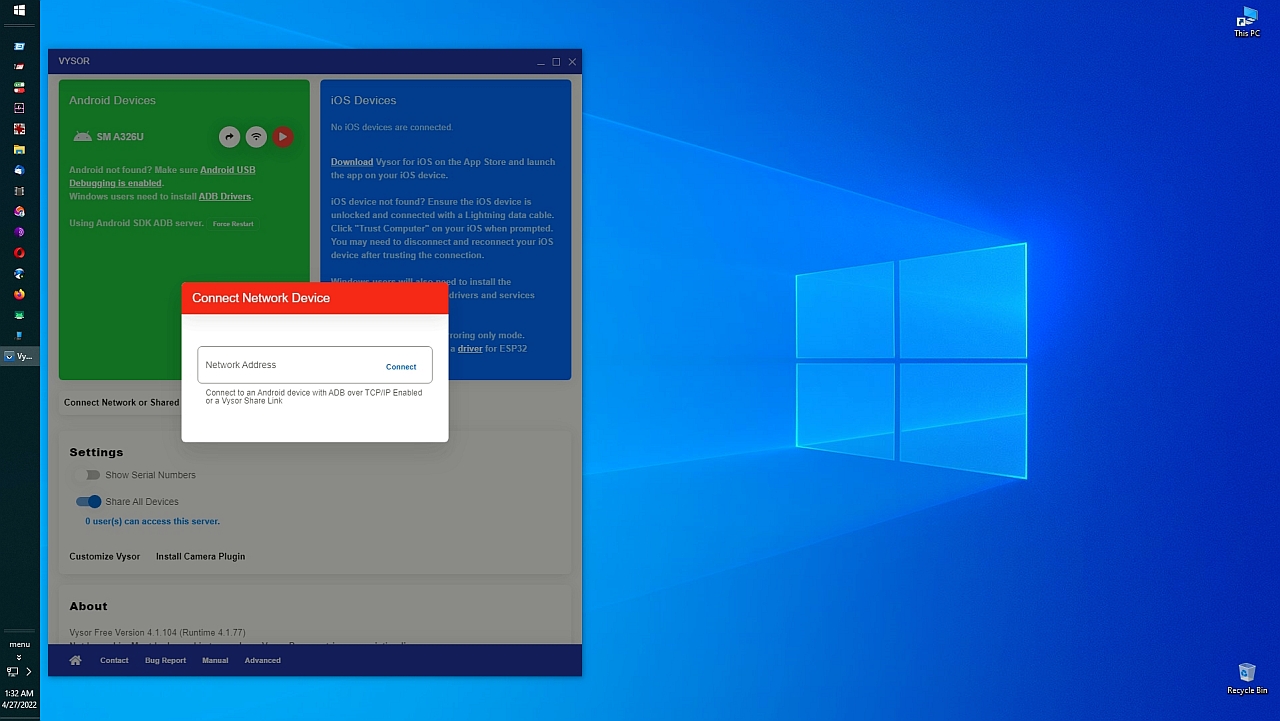
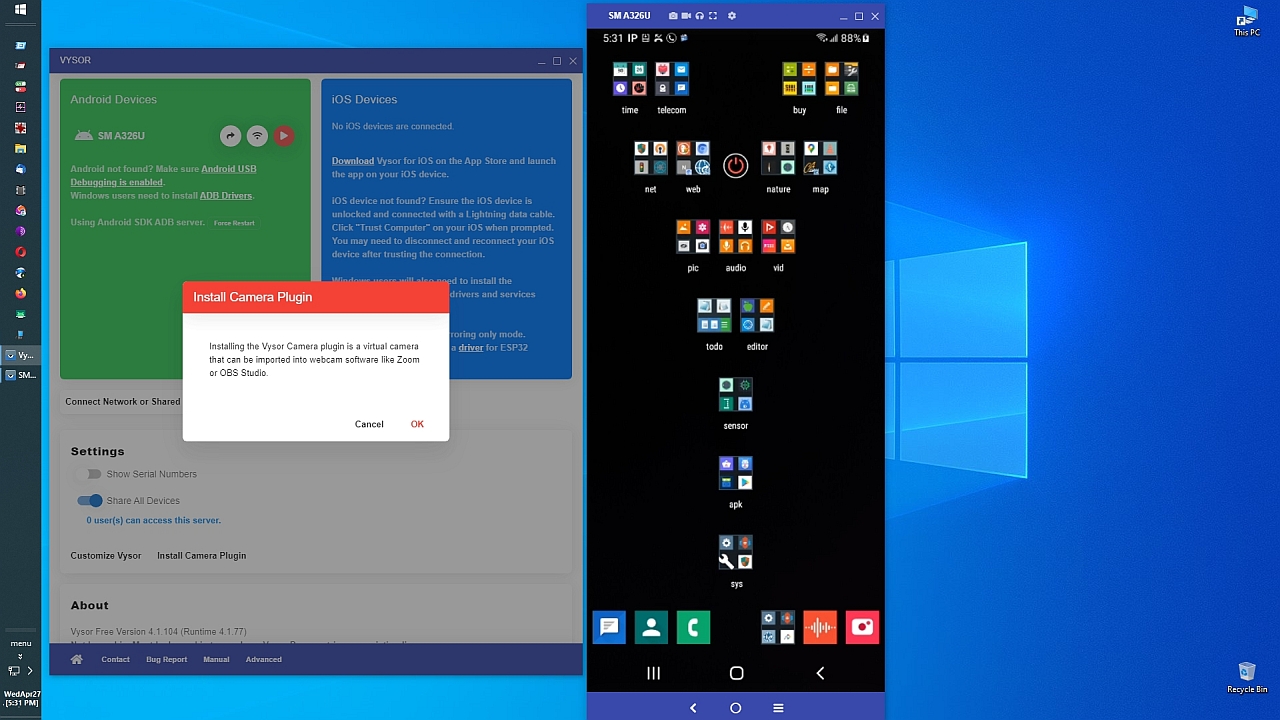
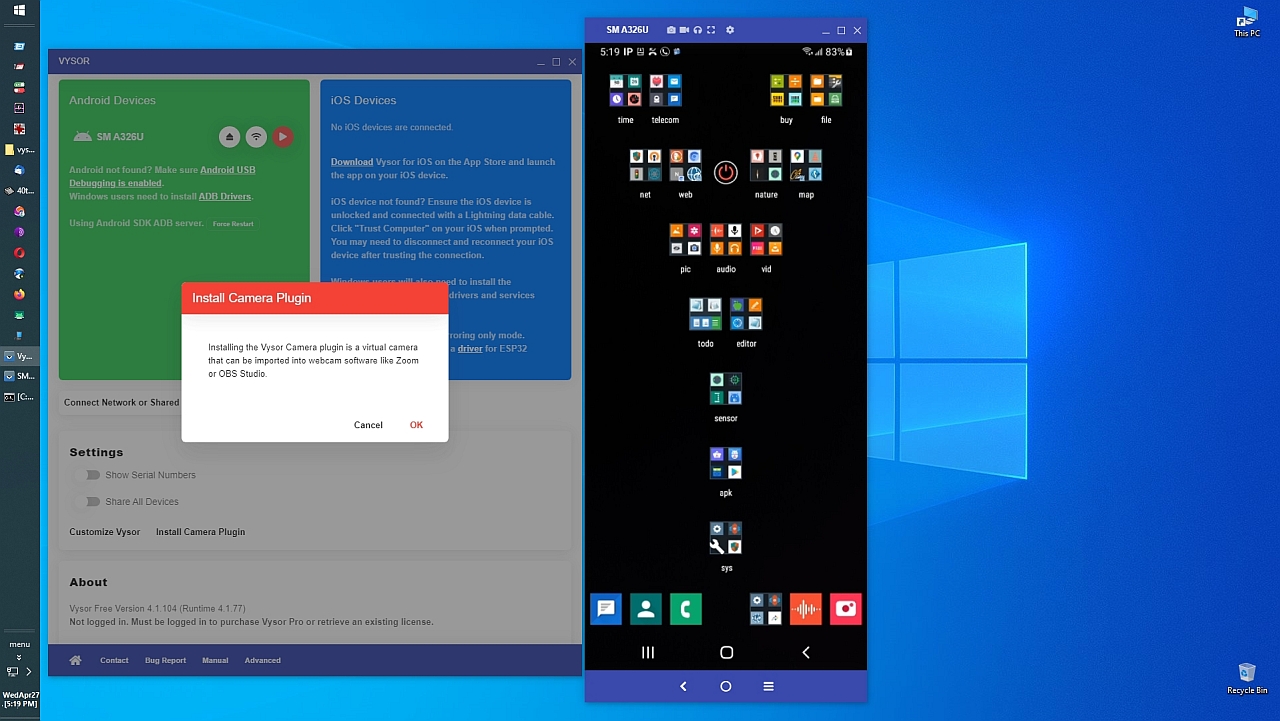
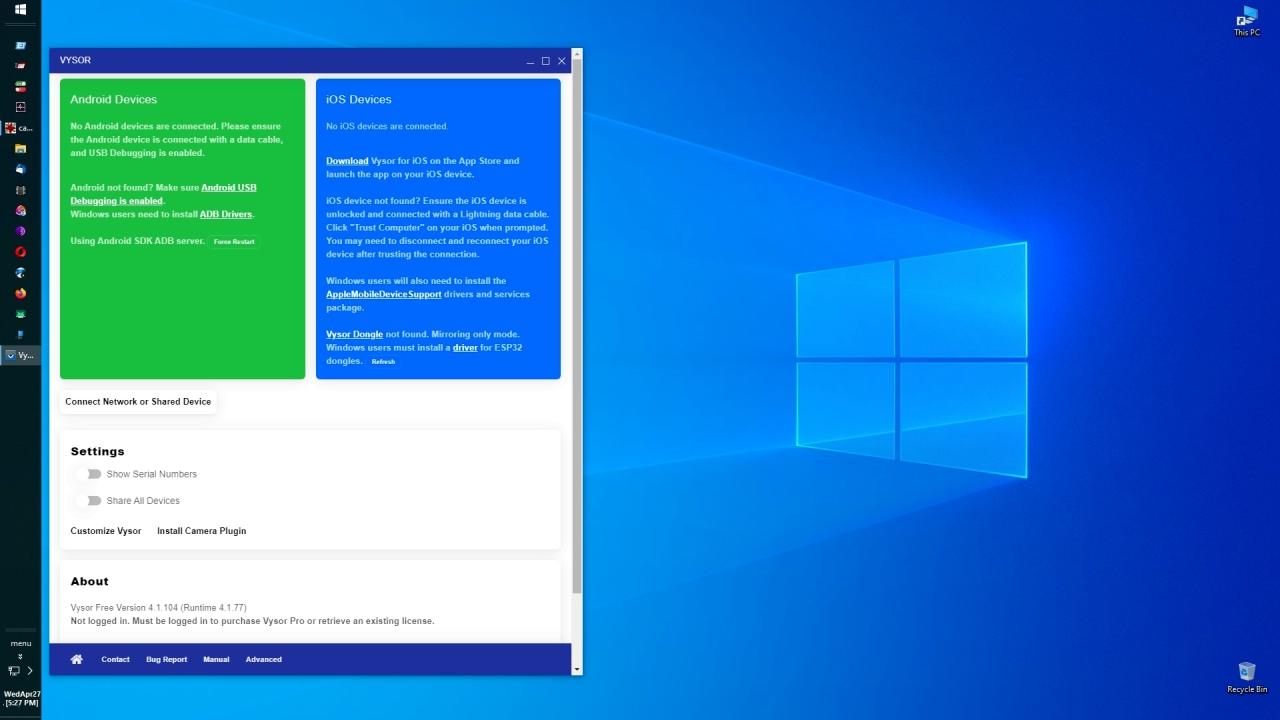
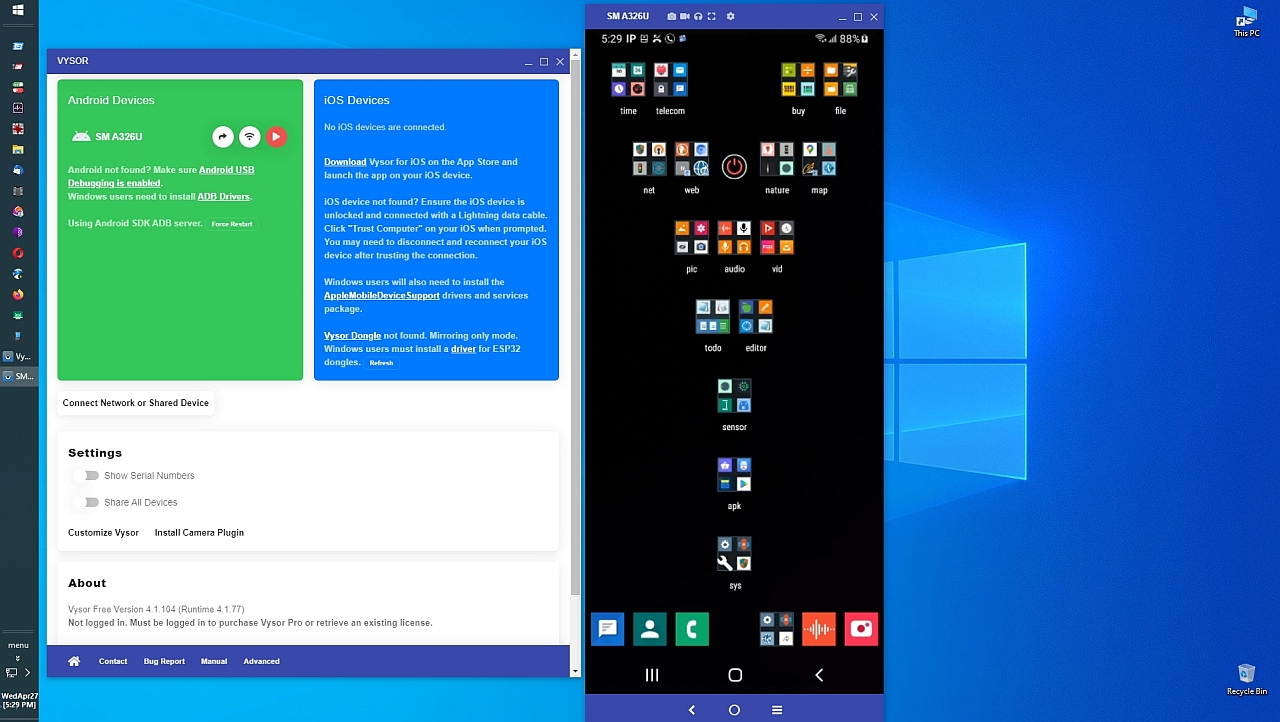
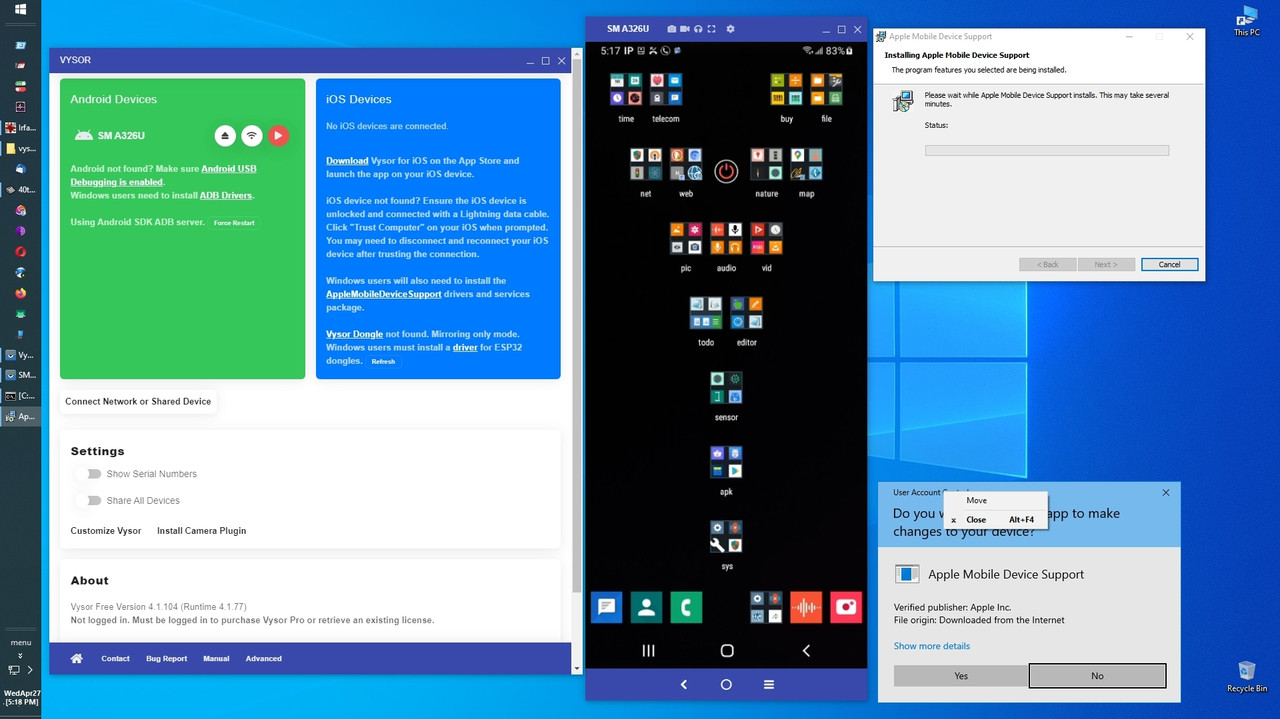
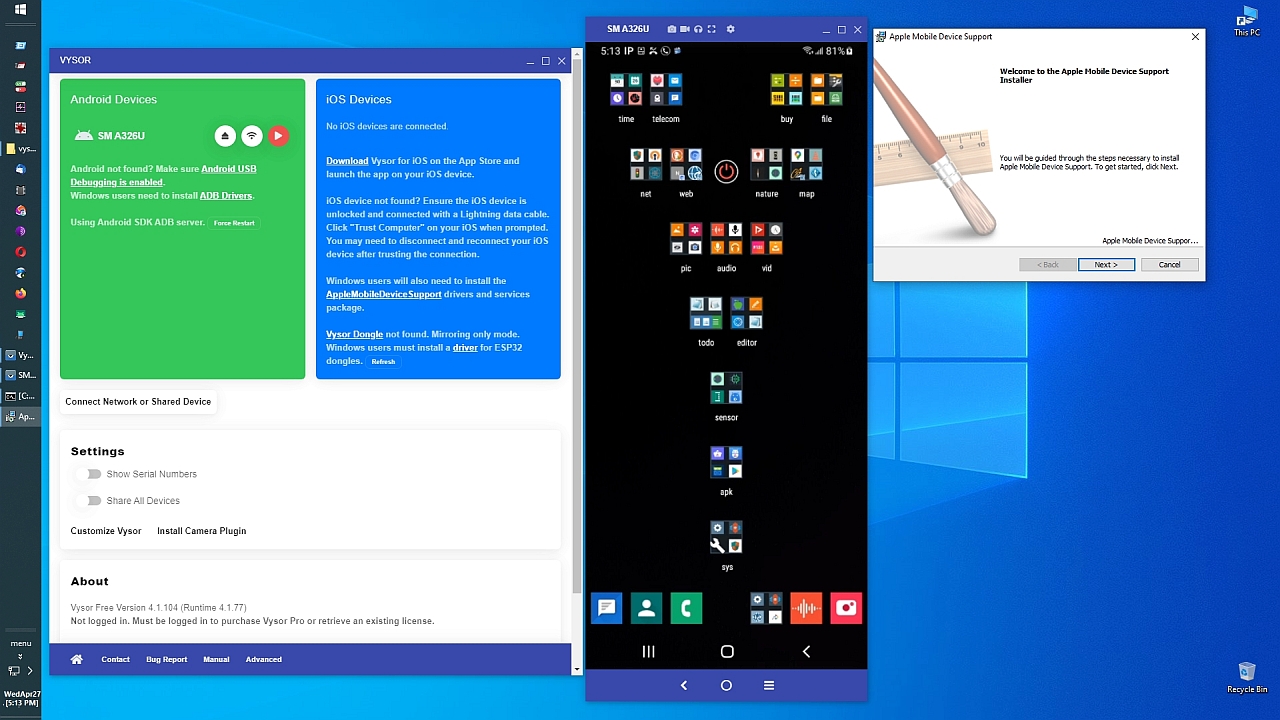
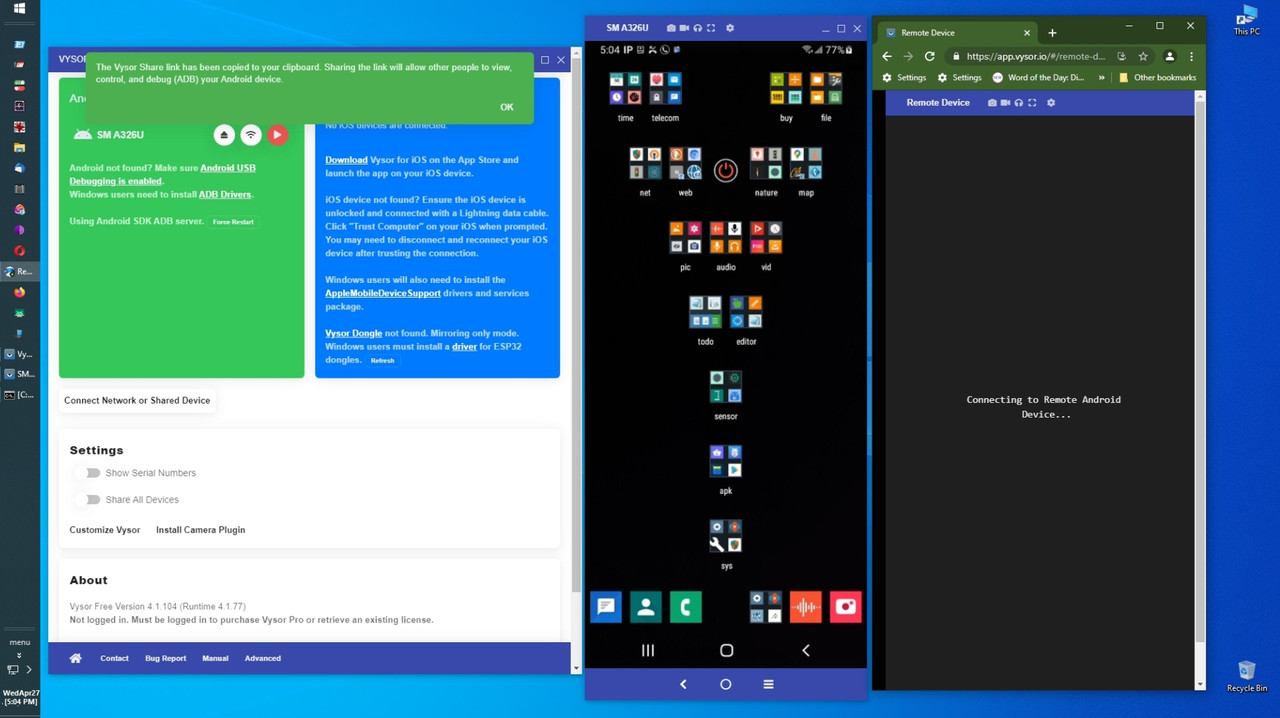
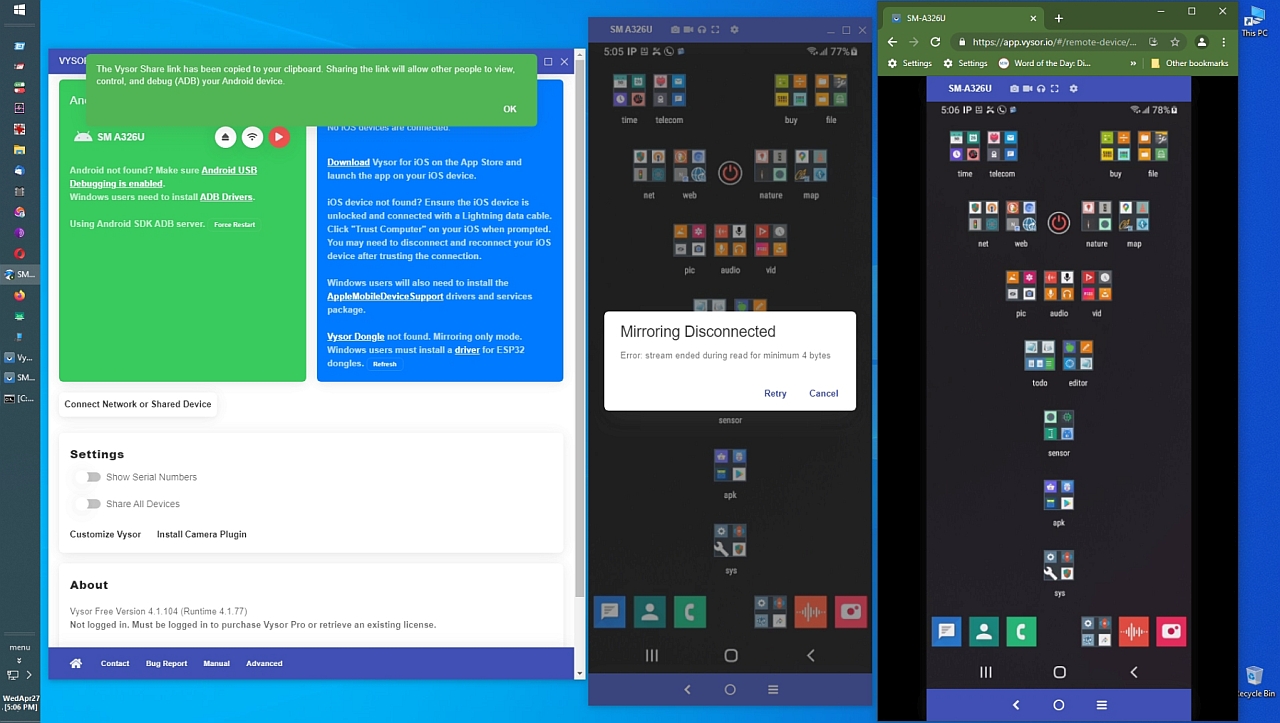
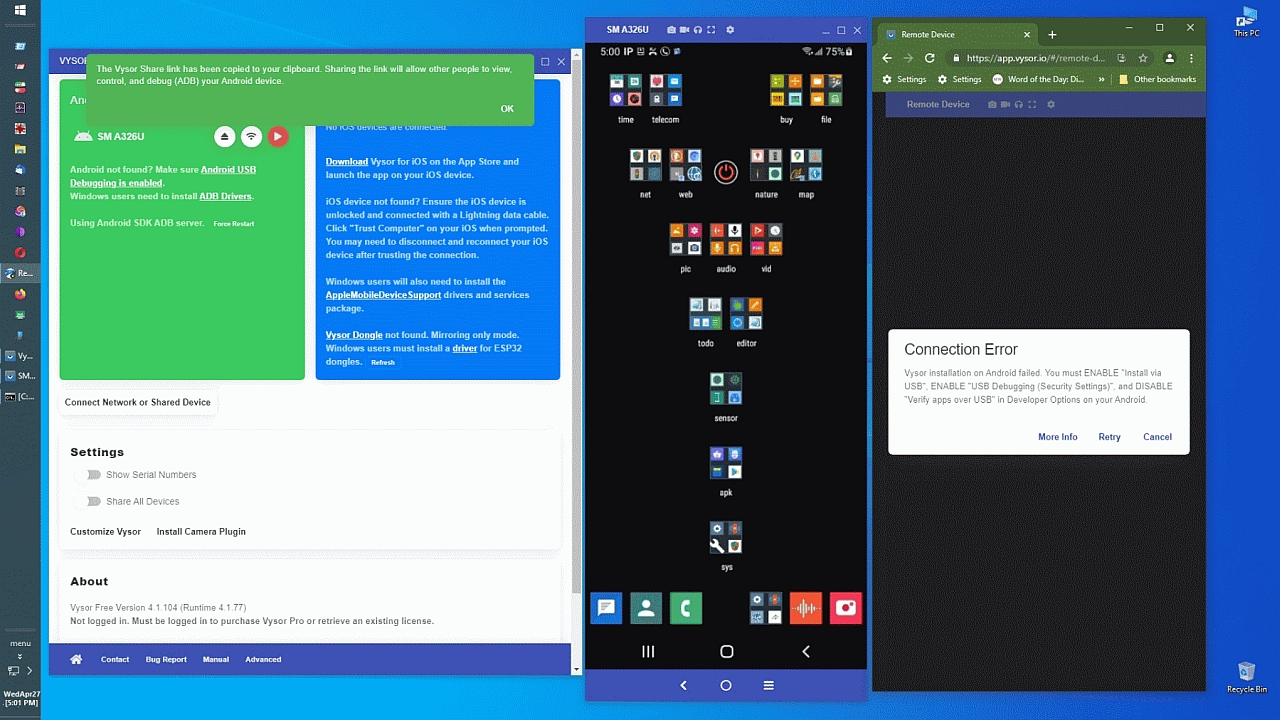
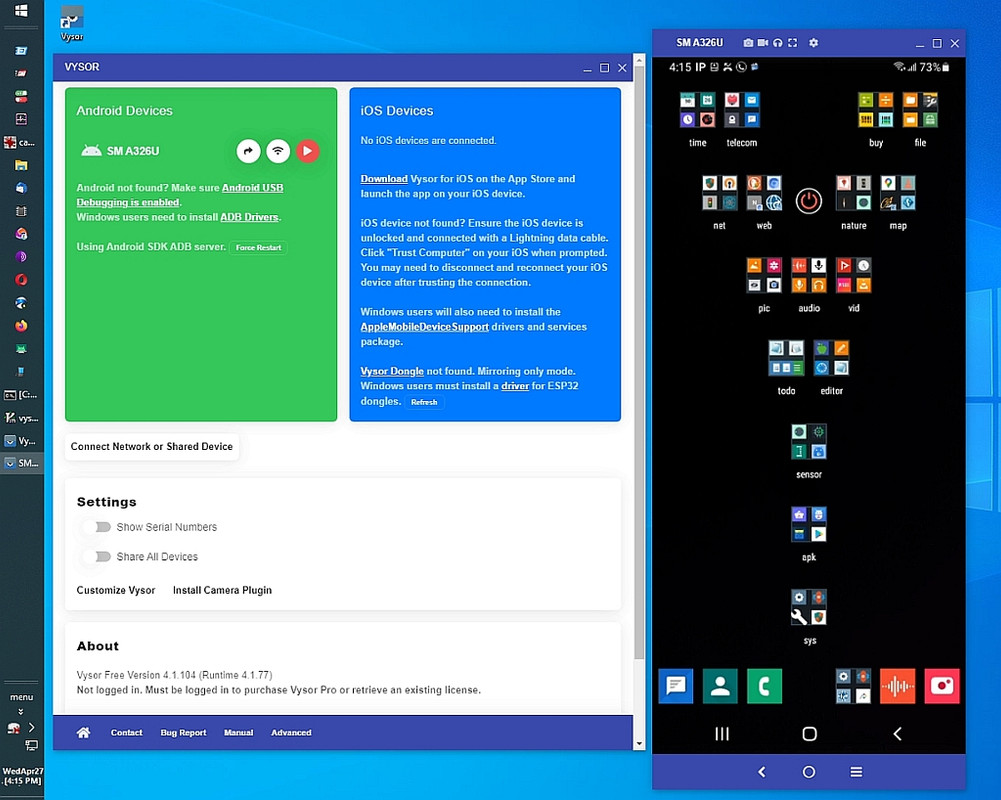
    I sent instructions, but, really, I'd suggest the free Vysor app.

    You control the entire iOS device using the Windows keyboard & mouse.

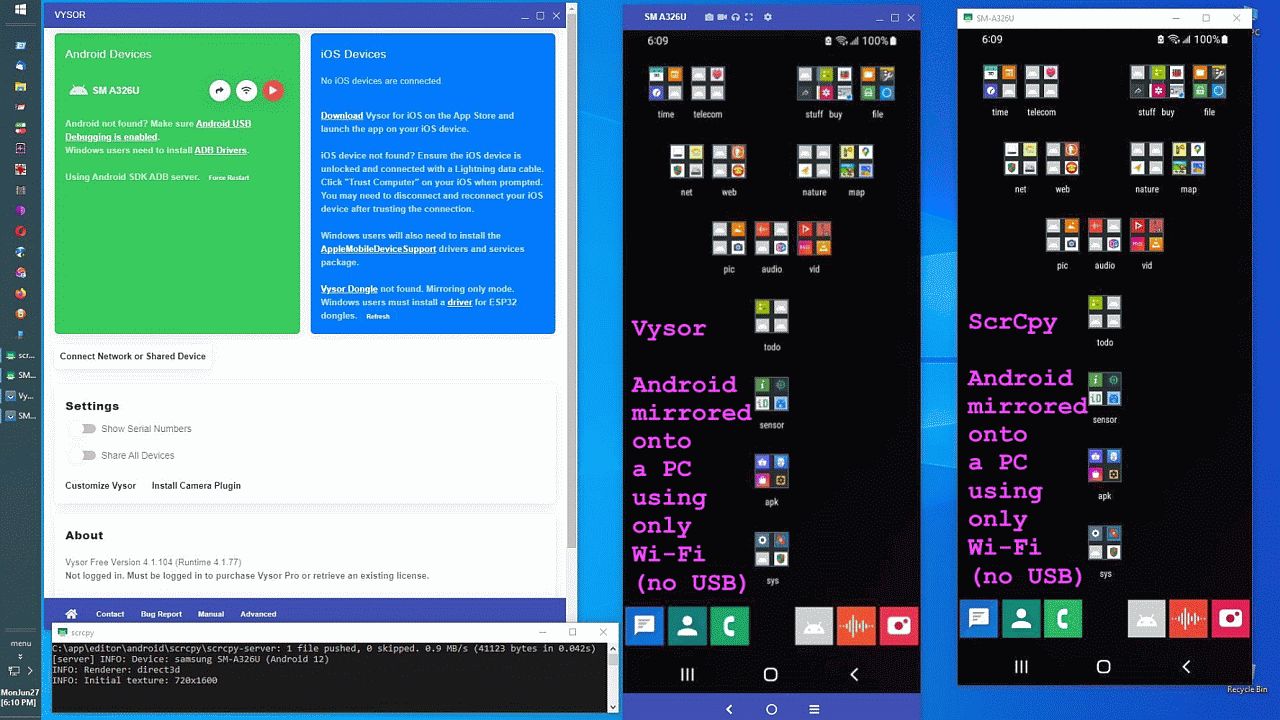
    <https://i.postimg.cc/xdSMtBkn/vysor36.jpg> scrcpy vs Vysor resolution
    <https://i.postimg.cc/TYvqdxCT/vysor35.jpg> iOS & Android PC mirroring
    <https://i.postimg.cc/k5gv0yw8/vysor34.jpg> Apple iOS & Android mirroring
    <https://i.postimg.cc/Njg6Xx3V/vysor33.jpg> Preparing Vysor on device
    <https://i.postimg.cc/xjz3V8Gs/vysor32.jpg> ScrCpy vs Vysor PC mirror
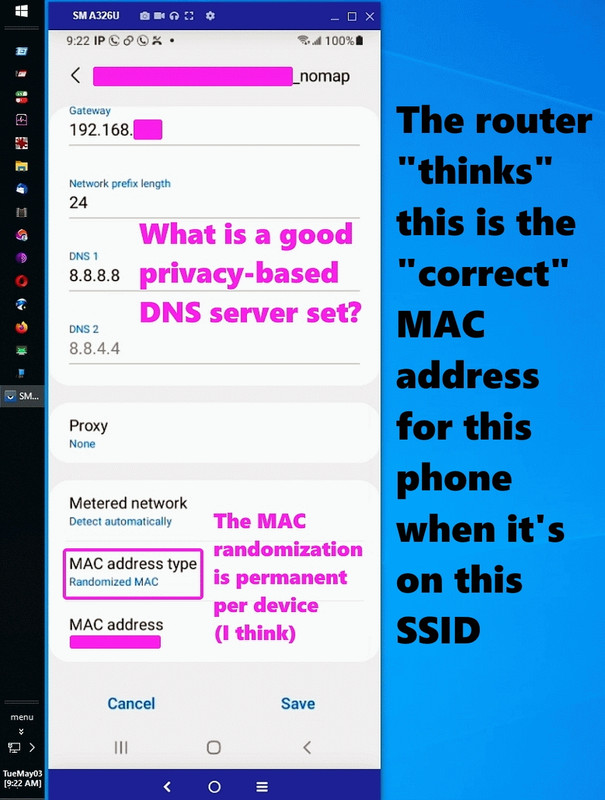
    <https://i.postimg.cc/k4K8dZqv/vysor31.jpg> Random MAC address is static
    <https://i.postimg.cc/nchSVcmS/vysor30.jpg> Static/Reserved IP address
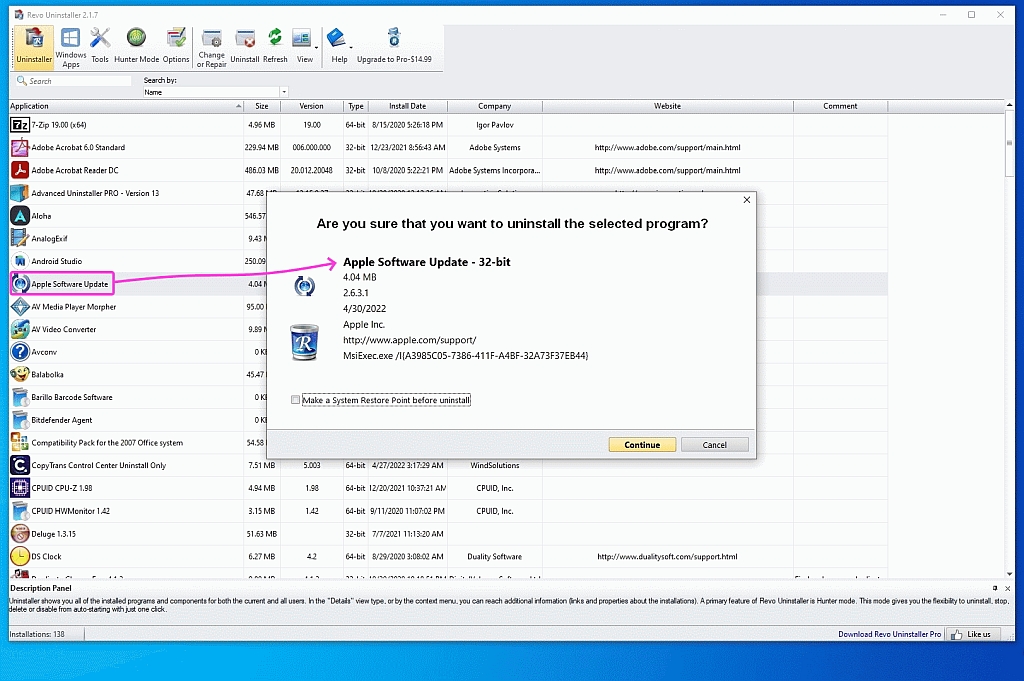
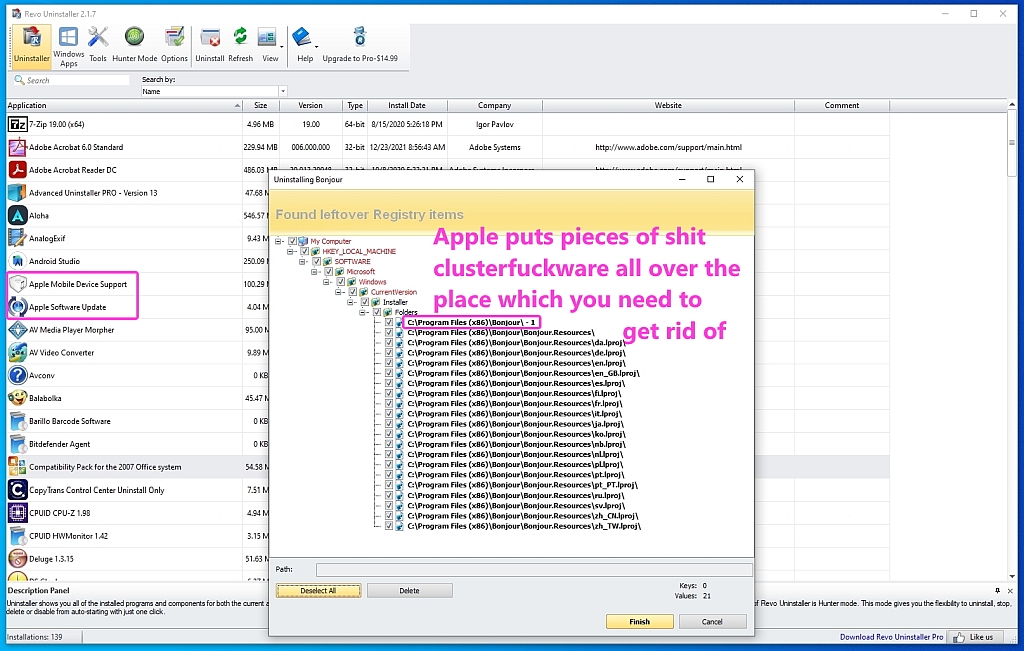
    <https://i.postimg.cc/XqrD5Hqm/vysor29.jpg> Removing Apple iTunes crap
    <https://i.postimg.cc/KYbVWDp3/vysor28.jpg> Nuking Apple shitware 1 by 1
    <https://i.postimg.cc/MGbkZFfY/vysor27.jpg> The bloatware is everywhere
    <https://i.postimg.cc/hP6R2xqV/vysor26.jpg> iTunes crapware won't install
    <https://i.postimg.cc/fTy57WSY/vysor25.jpg> Best iOS drivers installed
    <https://i.postimg.cc/3wmtyL46/vysor24.jpg> Apple Device working properly
    <https://i.postimg.cc/tCvS8nGr/vysor23.jpg> iPad is connected to Win10
    <https://i.postimg.cc/Kz7pW9mL/vysor22.jpg> Apple Win10 iOS drivers suck
    <https://i.postimg.cc/QdVPMkqG/vysor21.jpg> Apple iPad on Win10 over USB
    <https://i.postimg.cc/J7cSYhhg/vysor20.jpg> Classic Apple error 2502
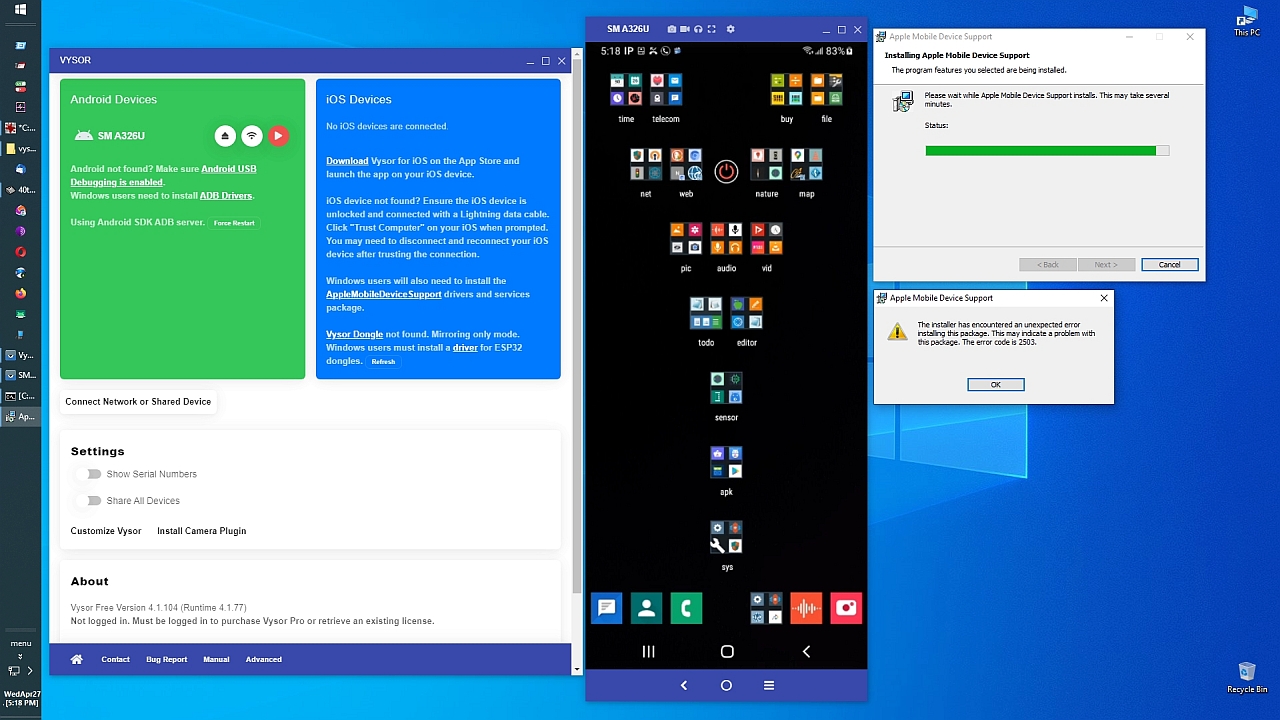
    <https://i.postimg.cc/yxP5DL5B/vysor19.jpg> Classic Apple error 2503
    <https://i.postimg.cc/V6X28fWJ/vysor18.jpg> Apple Mobile Device Support
    <https://i.postimg.cc/ZqB1wF9F/vysor17.jpg> Install Apple AMDS engine
    <https://i.postimg.cc/Jzdf3dhz/vysor16.jpg> Classic Apple Error Code 2503
    <https://i.postimg.cc/c4TyCJyY/vysor15.jpg> Apple Mobile Device Support
    <https://i.postimg.cc/SRhF22xL/vysor14.jpg> Connect over the Internet
    <https://i.postimg.cc/bv4jPFXB/vysor13.jpg> Vysor Camera virtual webcam
    <https://i.postimg.cc/XvPnJY5x/vysor10.jpg> Vysor Windows Virtual Camera
    <https://i.postimg.cc/wxL9qHjc/vysor11.jpg> Vysor searches for Android/iOS
    <https://i.postimg.cc/2S2zsw8s/vysor09.jpg> Classic Apple Error code 2503
    <https://i.postimg.cc/sg6r6gTy/vysor12.jpg> Vysor easily finds Android
    <https://i.postimg.cc/yYCYcxbb/vysor08.jpg> Apple Mobile Device Support
    <https://i.postimg.cc/Y2WCvYbF/vysor07.jpg> iOS requires Apple AMDS kluge
    <https://i.postimg.cc/ydJYXZKw/vysor06.jpg> Remote mirror over the net
    <https://i.postimg.cc/d0V03fxQ/vysor05.jpg> Vysor Internet mirroring
    <https://i.postimg.cc/XY3qSqKC/vysor04.jpg> Vysor ADB USB setup switches
    <https://i.postimg.cc/v8gc5pHc/vysor03.jpg> Vysor remote sharing
    <https://i.postimg.cc/V6TPYG3h/vysor02.jpg> Vysor console operation
    <https://i.postimg.cc/QNwjsCDM/vysor01.jpg> Vysor Android/iOS PC mirroring

    Maybe someone on the Apple newsgroups has gotten an iOS device to play
    nicely with Windows, but bear in mind Apple breaks this stuff on purpose.

    The last thing Apple wants, is for their devices to work in the real world. Hell, Apple says Linux doesn't even exist (in terms of their support).

    Being in prison doesn't seem to be too bad though, as it makes the typical iPhone owner feel safe that it doesn't interoperate with other platforms.
    --- Synchronet 3.22a-Linux NewsLink 1.2
  • From Paul@nospam@needed.invalid to alt.comp.os.windows-11 on Thu Oct 29 00:56:07 2026
    From Newsgroup: alt.comp.os.windows-11

    On Wed, 10/28/2026 7:42 PM, Zaidy036 wrote:
    On 10/28/2026 3:30 PM, crasso@nycap.rr.com wrote:
    I wanted to send a text message to my iphone from my Win11 pc. Trying
    to follow directions, I get to a point where the pc and the cell phone
    need to pair. They refuse to do so. Any tips?

    Note this requires LEBT = Low Energy BT and your devices must use it and not the "normal" BT

    Let's run it through the LLM-AI.

    It's slightly nuanced, but you're right that BLE is a must.
    Half of it works over Bluetooth Classic... but not all of it.

    The Win11 PC could be many things. It might well have BT 5 on it,
    if of relatively recent vintage. Or you can add a nano transceiver
    via a USB2 port. An extension cord is recommended if you do that,
    and some BT 5 I've bought, actually have the extension cord
    in the box! The BT device needs to "wave in the breeze" to
    do a line of sight connection.

    ************* CoPilot Question ************

    Pairing an iphone to a modern Windows 11 pc.

    Does this require Bluetooth Low Energy capability
    on the Win11 PC BLuetooth interface ?

    I have seen no sign to date, that Windows uses any
    Bluetooth Low Energy features and instead it
    runs Bluetooth devices in a Green Field mode.

    Does the iPhone only use Bluetooth Low Energy, and
    refuses to negotiate otherwise ?

    ************* CoPilot Answer ************

    If by "pairing" you mean using Phone Link (formerly Your Phone)
    to connect an iPhone to Windows 11, then the answer is yes:
    Bluetooth Low Energy (BLE) support is required on the Windows PC.
    Microsoft support responses and troubleshooting guidance repeatedly
    state that iPhone support in Phone Link requires a Bluetooth adapter
    that supports BLE.

    A few points may clarify what's happening:

    BLE support is required for the Phone Link/iPhone integration, not
    just generic Bluetooth pairing. An iPhone may appear to pair normally
    with a PC in Windows Bluetooth settings, yet still fail to work with
    Phone Link if the adapter or driver does not properly expose BLE capabilities.

    Modern iPhones do not use only BLE. iPhones support both:

    Bluetooth Classic (BR/EDR)
    Bluetooth Low Energy (BLE)

    For example, audio profiles such as many headphones and car systems
    have historically used Bluetooth Classic, while discovery,
    accessory communication, notifications, and many newer services use BLE.

    Windows itself absolutely uses BLE when appropriate. Many modern devices
    such as fitness trackers, sensors, beacons, smart locks, and various peripherals communicate through BLE. The reason you may not notice it is
    that Windows presents both Bluetooth Classic and BLE devices through
    a fairly unified user interface.

    What appears to be happening with Phone Link is that Microsoft chose
    an architecture that depends on BLE services for at least part of the
    iPhone integration. Therefore a Bluetooth adapter that works perfectly
    for keyboards, mice, file transfers, or audio does not automatically
    satisfy the Phone Link requirements.

    From an architectural standpoint, the iPhone is not refusing all non-BLE negotiation. Rather, the specific Windows Phone Link workflow expects
    BLE capability to be present. An iPhone will happily establish
    Bluetooth Classic connections for profiles and services that use them.

    One interesting forensic observation is that many older Bluetooth 2.x/3.x adapters can pair with an iPhone for certain functions, while Phone Link rejects them because Microsoft checks for BLE capability during setup.
    That's why some users report "Bluetooth works, but Phone Link says
    I need Bluetooth Low Energy."

    If you're curious about a particular Windows 11 machine, I can also
    explain how to determine from the adapter's HCI/LMP version and
    driver stack whether the hardware genuinely supports BLE, rather than
    relying on Windows' somewhat ambiguous Bluetooth UI.

    https://learn.microsoft.com/en-us/answers/questions/5703051/how-to-connect-phone-link-to-iphone

    https://learn.microsoft.com/en-us/answers/questions/5768604/why-cant-i-connect-my-iphone-to-my-pc-with-phone-l

    ************* End: CoPilot Answer ************

    Paul
    --- Synchronet 3.22a-Linux NewsLink 1.2
  • From Andy Burns@usenet@andyburns.uk to alt.comp.os.windows-11 on Thu Oct 29 09:43:45 2026
    From Newsgroup: alt.comp.os.windows-11

    Zaidy036 wrote:

    this requires LEBT = Low Energy BT

    More commonly called BLE (bluetooth low energy).
    --- Synchronet 3.22a-Linux NewsLink 1.2
  • From Andy Burns@usenet@andyburns.uk to alt.comp.os.windows-11 on Thu Oct 29 09:49:55 2026
    From Newsgroup: alt.comp.os.windows-11

    Paul wrote:

    It's slightly nuanced, but you're right that BLE is a must.
    Half of it works over Bluetooth Classic... but not all of it.

    Microsoft Account also required.

    --- Synchronet 3.22a-Linux NewsLink 1.2
  • From crasso@crasso@nycap.rr.com to alt.comp.os.windows-11 on Thu Oct 29 14:51:21 2026
    From Newsgroup: alt.comp.os.windows-11

    On Wed, 28 Oct 2026 17:55:34 -0400, Paul <nospam@needed.invalid>
    wrote:

    On Wed, 10/28/2026 3:30 PM, crasso@nycap.rr.com wrote:
    I wanted to send a text message to my iphone from my Win11 pc. Trying
    to follow directions, I get to a point where the pc and the cell phone
    need to pair. They refuse to do so. Any tips?


    https://learn.microsoft.com/en-us/answers/questions/5791656/pairing-an-iphone-to-a-desktop-pc

    "On the Windows 11 PC (Phone Link):

    Open the Start menu and search for Phone Link, then open it.
    Under Pick your phone, select iPhone.
    Follow the step-by-step pairing instructions until a QR code appears.
    With the iPhone camera, scan the QR code shown on the PC to initiate Bluetooth pairing.
    Complete the pairing prompts on both devices.

    On the iPhone (Bluetooth and permissions):

    Open Settings > Bluetooth and make sure Bluetooth is turned on.
    In the My Devices list, tap the (i) icon next to the PC name.
    Turn on options to Show Notifications and Sync Contacts so the PC can see notifications
    and messages as needed.

    If pairing fails:

    On Windows 11: go to Settings > Bluetooth & devices, select the iPhone, and choose Remove device.
    On iPhone: go to Settings > Bluetooth, tap the (i) next to the PC name, and choose Forget This Device.
    Turn Bluetooth off on both devices, wait 10 seconds, then turn Bluetooth back on.
    Open Phone Link again on the PC and repeat the pairing steps.
    "

    That shows some sort of intent to verification it is
    pairing with the right thing, and is not being spoofed
    somehow.

    Paul

    Yep, these were the instructions I tried to follow.

    From above, it says:
    " Open Settings > Bluetooth and make sure Bluetooth is turned on.
    In the My Devices list, tap the (i) icon next to the PC name.
    Turn on options to Show Notifications and Sync Contacts so the PC can see notifications
    and messages as needed. "
    I do find my Pc name in that list, but it has no (i) icon after it
    like my smartwatch has, which it says is Connected.
    Garmin Drive Smart is Not Connected but still has an (i) icon.
    Whatever the (i) means it's probably what defeats the pairing with my
    iphone.

    Thanks for all the interest guys. I find I can more easily log on a
    secure site and they will sent my iphone a verification text to prove
    (to me) that my messaging is working, but I thought it would be handy
    to be able to test it myself.

    If your phone carrier provides it you're supposed to be able to email
    to: your phone: xxx-xxx-xxxx@Email-to-SMSGateway.
    Alas I couldn't find one that worked for Consumer Cellular.
    --- Synchronet 3.22a-Linux NewsLink 1.2
  • From jerryab@jerryab@juno.com to alt.comp.os.windows-11 on Fri Oct 30 09:01:16 2026
    From Newsgroup: alt.comp.os.windows-11

    On Thu, 29 Oct 2026 14:51:21 -0400, crasso@nycap.rr.com wrote:

    If your phone carrier provides it you're supposed to be able to email
    to: your phone: xxx-xxx-xxxx@Email-to-SMSGateway.
    Alas I couldn't find one that worked for Consumer Cellular.


    I also use Consumer Cellular and it took a bit of futzing around to
    get it to work with a Samsung Galaxy S25 FE, which I got new this past
    summer (2026). For some reason, Motorola connects easily. Both phones
    are Android (both new 2026) and are on Consumer Cellular.

    Could not get the Samsung to connect to PC. Tried for a couple months
    with no luck. Kept at it and finally figured out I had to do some
    manual entry (forget where--password?) to get it to log in/connect.
    Then it worked. It shows as not connected in Setup (the gear symbol in
    Win11) but the option to connect is shown elsewhere
    (copy/send/download?). Don't know if it works at the moment because I
    rarely use it. Motorola was FAR better for both connection and
    transfers. I use the Motorola as a backup phone.
    --- Synchronet 3.22a-Linux NewsLink 1.2
  • From Paul@nospam@needed.invalid to alt.comp.os.windows-11 on Fri Oct 30 12:29:19 2026
    From Newsgroup: alt.comp.os.windows-11

    On Fri, 10/30/2026 10:01 AM, jerryab wrote:
    On Thu, 29 Oct 2026 14:51:21 -0400, crasso@nycap.rr.com wrote:

    If your phone carrier provides it you're supposed to be able to email
    to: your phone: xxx-xxx-xxxx@Email-to-SMSGateway.
    Alas I couldn't find one that worked for Consumer Cellular.


    I also use Consumer Cellular and it took a bit of futzing around to
    get it to work with a Samsung Galaxy S25 FE, which I got new this past
    summer (2026). For some reason, Motorola connects easily. Both phones
    are Android (both new 2026) and are on Consumer Cellular.

    Could not get the Samsung to connect to PC. Tried for a couple months
    with no luck. Kept at it and finally figured out I had to do some
    manual entry (forget where--password?) to get it to log in/connect.
    Then it worked. It shows as not connected in Setup (the gear symbol in
    Win11) but the option to connect is shown elsewhere
    (copy/send/download?). Don't know if it works at the moment because I
    rarely use it. Motorola was FAR better for both connection and
    transfers. I use the Motorola as a backup phone.


    If this was easy, they wouldn't have put it on the computer :-)

    Everything on a computer is intended to remind you of dentistry.

    I would start by making sure the devices are line of sight,
    because the first time I did this, having the BT nano plugged
    right into the computer I/O plate, that really cut down on
    the available signal six feet away. Once I put the BT nano
    on an extension cable, then I could "see" the device I wanted
    to pair with.

    Paul
    --- Synchronet 3.22a-Linux NewsLink 1.2
  • From Maria Sophia@mariasophia@comprehension.com to alt.comp.os.windows-11,misc.phone.mobile.iphone,comp.mobile.android on Fri Oct 30 19:06:16 2026
    From Newsgroup: alt.comp.os.windows-11

    Andy Burns wrote:
    It's slightly nuanced, but you're right that BLE is a must.
    Half of it works over Bluetooth Classic... but not all of it.

    Microsoft Account also required.

    Are you sure?

    It has been *years* since I tested every interoperability pattern but...
    0#a <https://support.microsoft.com/en-us/windows/apps/phonelink/frequently-asked-questions-about-the-phone-link>

    I thought Microsoft's Phone Link for iOS operates almost over a direct Bluetooth connection so it does not route text messages or calls through a cloud service or require us to log into an Apple ID on the PC. I think we
    need to be signed into Windows and the iPhone needs to have Bluetooth
    turned on and paired with the PC, but there is no need for an MSA login.
    (Yes, I know, Win11 "tries" to force you to create an MSA, but we've proven that can easily be worked around, so it can be done without that MSA.)

    Paradoxically, it's my understanding Android integration goes much deeper
    than iOS, such that, to use Phone Link with an Android device, we must sign into the exact same Microsoft Account on both our Windows PC and our
    Android phone (via the Link to Windows app). It's this account that acts as
    the bridge that syncs our notifications, photos, texts, and app streams
    over our local network and the cloud.

    At least that's what was required when Samsung's phone-link software
    morphed into Microsoft's phone-link software on the Android side. The MSA
    can be linked to your local account on Windows though, but it must exist.

    Luckily, as Andy is aware since he told me about it about a month or so
    ago, if we use Google Messages on an Android phone, it handles texting on a Windows PC completely differently than Microsoft's Phone Link.
    <https://support.google.com/messages/answer/7611075>

    Google Messages for Web talks to Google's servers to relay messages.
    --
    On Usenet, we share what we know and learn what we don't.

    --- Synchronet 3.22a-Linux NewsLink 1.2
  • From Maria Sophia@mariasophia@comprehension.com to alt.comp.os.windows-11,comp.mobile.android,misc.phone.mobile.iphone on Fri Oct 30 19:15:20 2026
    From Newsgroup: alt.comp.os.windows-11

    Paul wrote:
    Could not get the Samsung to connect to PC.

    If this was easy, they wouldn't have put it on the computer :-)

    If someone says "could not get Samsung to connect to PC", I'd take that statement with a grain of salt because I have no problems doing exactly
    that.

    In fact, recently I set up my wife's Samsung phone to connect seamlessly
    with both her Samsung tablet and her Windows 11 laptop for texting.

    It was beautiful!
    It was so beautiful, that I wrote a PSA on it so others could do it.

    Newsgroups: alt.comp.os.windows-10,comp.mobile.android,alt.os.linux
    Subject: PSA: How to sms/mms cross platform Google Messages Android:{Windows,macOS,Linux,Tablet}
    Date: Wed, 7 Oct 2026 12:10:49 -0300
    Message-ID: <11a5ndp$1uj2$1@nnrp.usenet.blueworldhosting.com>

    One difference between my wife and me is she logs into a Google Account on
    both her mobile devices and on her Windows PC, much like Apple owners log
    into the privacy-robbing mothership account 247/365-until-the-day-they-die.

    If we are willing to log into a mothership account, all that magic is easy.
    The communication (in this case, text/mms/rcs, is happening over servers.)
    --
    HINT: It's exactly why Apple owners think iOS/macOS are so well
    "integrated". All they're doing is communicating over Apple's servers.
    --- Synchronet 3.22a-Linux NewsLink 1.2
  • From Andy Burns@usenet@andyburns.uk to alt.comp.os.windows-11,misc.phone.mobile.iphone,comp.mobile.android on Fri Oct 30 23:43:04 2026
    From Newsgroup: alt.comp.os.windows-11

    Maria Sophia wrote:

    Andy Burns wrote:

    Microsoft Account also required.

    Are you sure?
    Pretty sure ... This Win11 Home only has local login, and doesn't have a 'stored' MSA for apps to use, when I launch PhoneLink after asking Android/iPhone it demands a MS login (or create new account) ... no way
    to cancel around the login.

    --- Synchronet 3.22a-Linux NewsLink 1.2
  • From Andy Burns@usenet@andyburns.uk to alt.comp.os.windows-11,misc.phone.mobile.iphone,comp.mobile.android on Fri Oct 30 23:47:21 2026
    From Newsgroup: alt.comp.os.windows-11

    Maria Sophia wrote:

    Andy Burns wrote:

    Microsoft Account also required.

    Are you sure?

    It has been *years* since I tested every interoperability pattern but...
    <https://support.microsoft.com/en-us/windows/apps/phonelink/frequently-asked-questions-about-the-phone-link>
    "How can I make sure IrCOm using the same Microsoft account to sign into
    my Phone Link and Link to Windows apps?

    To successfully link your PC and your Android device, you should sign in
    to the same Microsoft account on both. You can check this by following
    these steps:"
    --- Synchronet 3.22a-Linux NewsLink 1.2
  • From Maria Sophia@mariasophia@comprehension.com to alt.comp.os.windows-11,misc.phone.mobile.iphone,comp.mobile.android on Fri Oct 30 22:45:05 2026
    From Newsgroup: alt.comp.os.windows-11

    Andy Burns wrote:
    Maria Sophia wrote:

    Andy Burns wrote:

    Microsoft Account also required.

    Are you sure?
    Pretty sure ... This Win11 Home only has local login, and doesn't have a 'stored' MSA for apps to use, when I launch PhoneLink after asking Android/iPhone it demands a MS login (or create new account) ... no way
    to cancel around the login.

    Hi Andy,

    Have I ever steered you wrong(ly)?

    You are completely correct. For Android.
    Android's integration is server-side, AFAICT.

    But... The OP is asking about iOS.
    The iPhone side is per-PC and per-pairing, AFAICT.

    This Microsoft link has an Android and an iOS button.
    <https://support.microsoft.com/en-us/windows/apps/phonelink/phone-link-requirements-and-setup>

    The Android instructions say:
    "You may be asked to sign in to your Microsoft account
    if you haven't already signed in with Windows."
    <https://support.microsoft.com/en-us/windows/apps/phonelink/phone-link-requirements-and-setup#tabpanel_1_android>

    The iOS instructions don't say that.
    <https://support.microsoft.com/en-us/windows/apps/phonelink/phone-link-requirements-and-setup#tabpanel_1_ios>

    Apparently, the iOS path is a local Bluetooth pairing (with QR code & BLE, permissions) while the Android path is apparently an account-mediated cloud link that asks us to sign in on the PC and then sign into the mobile app
    with the same Microsoft account.

    In summary, but mostly based on my testing (admittedly years ago) of all
    known interactions known to man between iOS/Android & Windows, my
    understanding is iOS doesn't need the MSA to work with Windows' PhoneLink.

    But Android does.
    The documentation has it in three places for the Android devices.
    1. Setup: "You may be asked to sign in to your Microsoft account
    if you haven't already signed in with Windows."
    2. Then: "Sign into the mobile app with the same Microsoft account
    that you signed in to on your PC."
    3. And a whole section titled "How to link your mobile device to your
    Microsoft account," which says the account "will be transferred
    to your linked phone during the pairing process" and that "your
    Microsoft account credentials will be transferred to your phone."

    None of that is in the iOS instructions.
    Do you think they just goofed?

    Do any of the iOS users on this thread have any idea how it works for them? Particularly, the OP perhaps?
    --
    The people who ask questions but don't run the tests are not really asking.
    --- Synchronet 3.22a-Linux NewsLink 1.2
  • From Maria Sophia@mariasophia@comprehension.com to alt.comp.os.windows-11,misc.phone.mobile.iphone,comp.mobile.android on Fri Oct 30 22:57:13 2026
    From Newsgroup: alt.comp.os.windows-11

    Andy Burns wrote:
    Maria Sophia wrote:

    Andy Burns wrote:

    Microsoft Account also required.

    Are you sure?

    It has been *years* since I tested every interoperability pattern but...

    <https://support.microsoft.com/en-us/windows/apps/phonelink/frequently-asked-questions-about-the-phone-link>
    "How can I make sure I'm using the same Microsoft account to sign into
    my Phone Link and Link to Windows apps?

    To successfully link your PC and your Android device, you should sign in
    to the same Microsoft account on both. You can check this by following
    these steps:"

    Hi Andy,

    You and I almost always agree on the facts. If not always.
    But I think we're talking about two different scenarios here.
    1. You're on Android
    2. The OP is on iOS

    As you know, I've never disagreed with anyone who presents the facts.

    FACTs:
    a. For Android/Win11 it seems very clear we need the MSA.
    b. But the OP is asking about iOS/Win11, which, AFAICT, does NOT use it.

    See my other response.
    Newsgroups: alt.comp.os.windows-11,misc.phone.mobile.iphone,comp.mobile.android
    Subject: Re: Pairing a phone to Win11
    Date: Fri, 30 Oct 2026 22:45:05 -0400
    Message-ID: <11c3knf$13pn$1@nnrp.usenet.blueworldhosting.com>

    According to the M$ reference below, iOS does not need the MSA.
    But Android does.

    Either that, or Microsoft's documentation is wrong. <https://support.microsoft.com/en-us/windows/apps/phonelink/phone-link-requirements-and-setup#tabpanel_1_android>
    <https://support.microsoft.com/en-us/windows/apps/phonelink/phone-link-requirements-and-setup#tabpanel_1_ios>
    --
    On Usenet, some of us have shown for decades we care about the facts.
    --- Synchronet 3.22a-Linux NewsLink 1.2
  • From Paul@nospam@needed.invalid to alt.comp.os.windows-11,misc.phone.mobile.iphone,comp.mobile.android on Sat Oct 31 00:57:10 2026
    From Newsgroup: alt.comp.os.windows-11

    On Fri, 10/30/2026 7:47 PM, Andy Burns wrote:
    Maria Sophia wrote:

    Andy Burns wrote:

    Microsoft Account also required.

    Are you sure?

    It has been *years* since I tested every interoperability pattern but...

    <https://support.microsoft.com/en-us/windows/apps/phonelink/frequently-asked-questions-about-the-phone-link>
    "How can I make sure IrCOm using the same Microsoft account to sign into my Phone Link and Link to Windows apps?

    To successfully link your PC and your Android device, you should sign in to the same Microsoft account on both. You can check this by following these steps:"

    I like how the help also tells you that you can't uninstall Phone Link.

    Someone should vibe code up a Phone Link that doesn't need
    as much hoovered info.

    It would be interesting to see if Phone Link works with
    a Pixel running Graphene.

    Paul
    --- Synchronet 3.22a-Linux NewsLink 1.2